
iPhone & iPad
Your mobile workspace for calls, messages and customer communications.
Download on the App StoreIllyVoIP Apps
Business calling on your Windows desktop, iPhone, iPad or Android device. Get the app, sign in to your IllyVoIP account and keep your communications close.
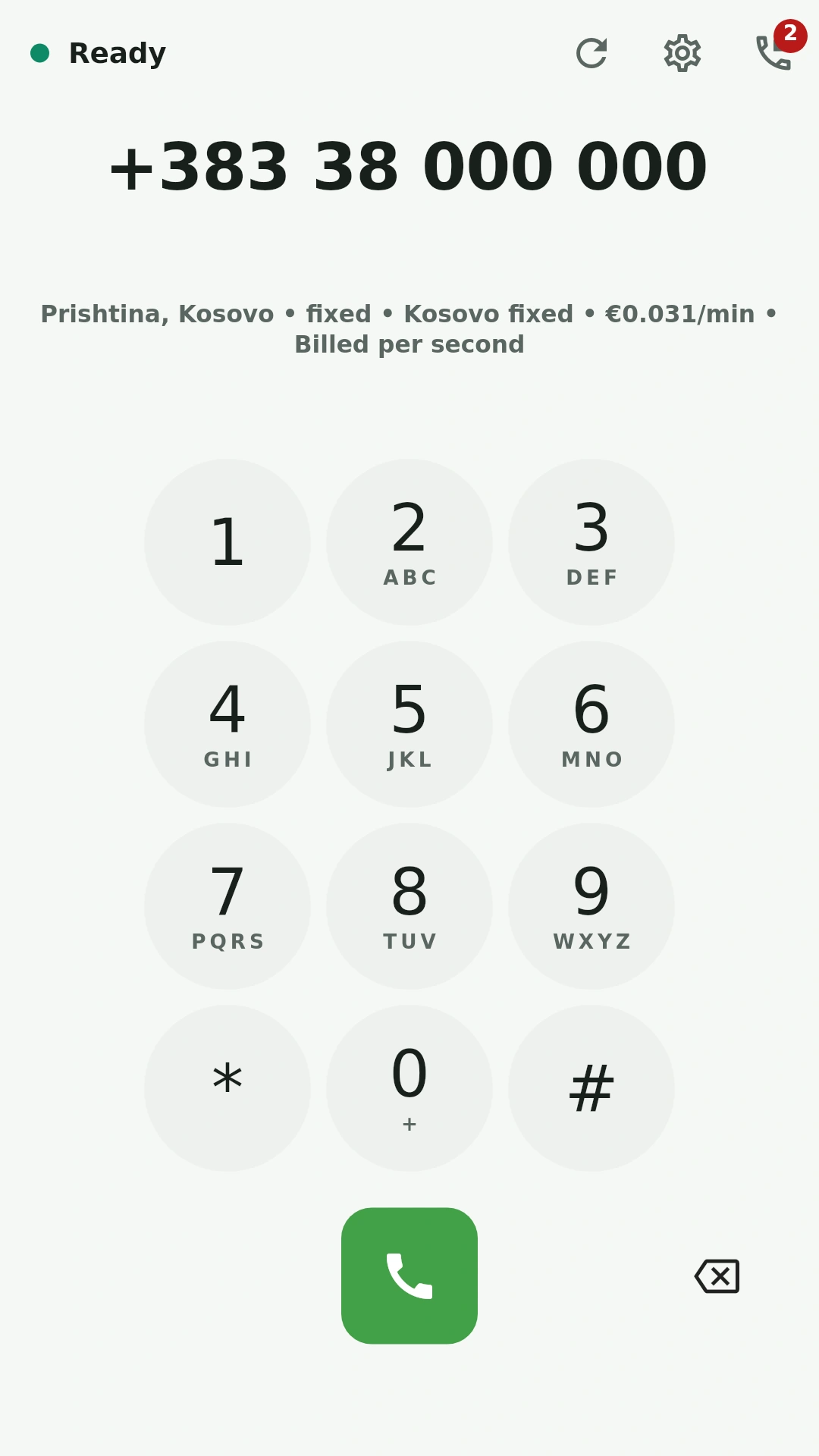
Download from the official store. Use your existing IllyVoIP account to sign in.
Your mobile workspace for calls, messages and customer communications.
Download on the App StoreKeep calls, SMS and number management close at hand.
Get it on Google PlayMake and receive IllyVoIP voice calls from your PC.
Get it from Microsoft StoreKeep the calling screen at hand while you work. Use the keypad, find a contact or return to your call history in the Windows app.
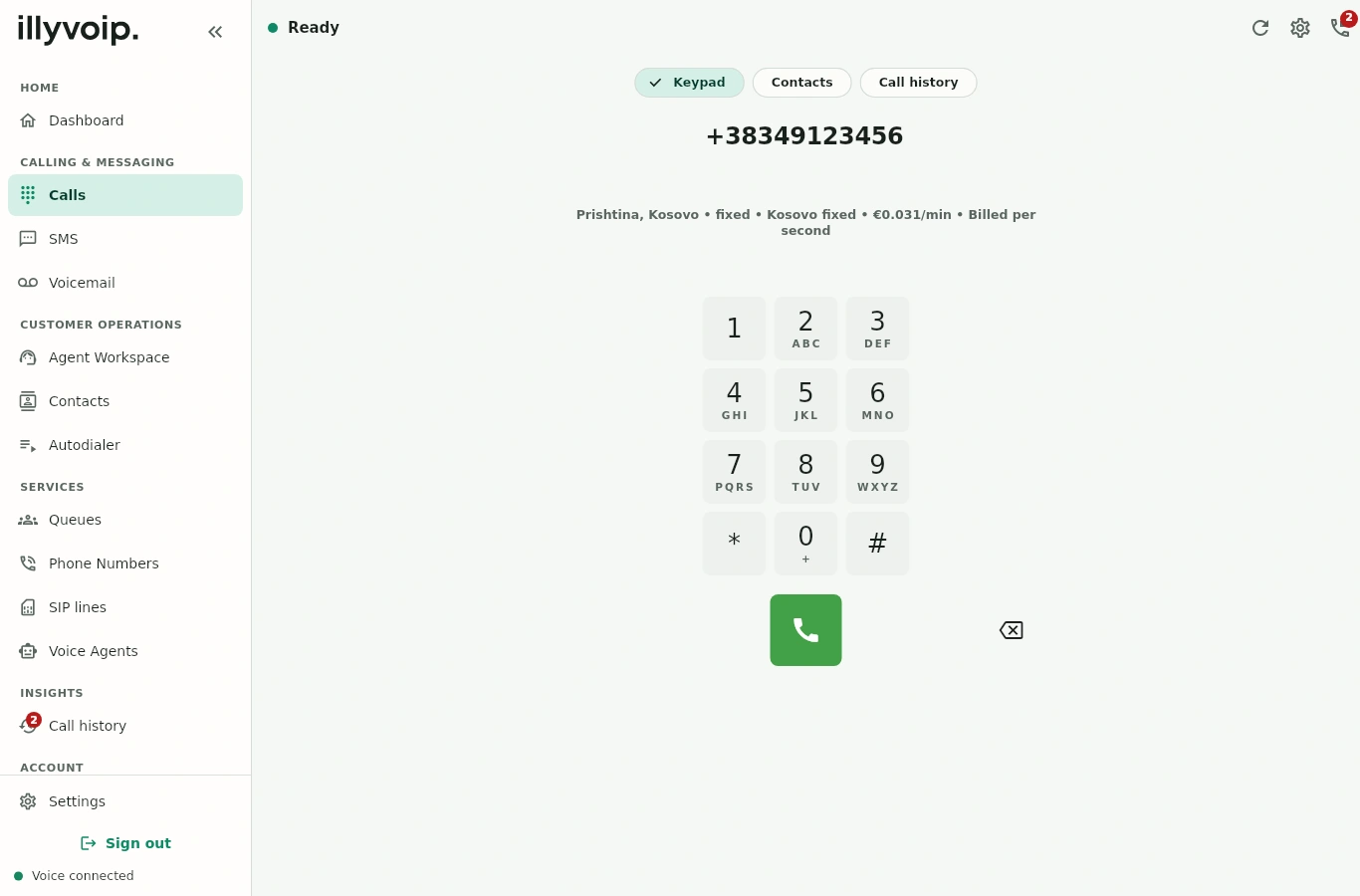
IllyVoIP for Windows
Download for WindowsThe mobile app brings calling and everyday account tools into the same workspace.
Make and receive calls, use hold and transfer, and review recent or missed calls.
Manage contacts, send SMS and follow message status. Access voicemail and customer information.
Work with phone numbers and routing, review activity and keep an eye on your account.
In your browser, too
Use the IllyVoIP portal to manage your communications and access the built-in webphone. Prefer a dedicated app? Choose the download that fits your device.
Open IllyVoIPYes. Sign in with your existing IllyVoIP account. If you are new to IllyVoIP, create an account in the portal before setting up your services.
Official apps are published for Windows, iPhone, iPad and Android. Check the relevant store listing for current operating-system requirements and device compatibility.
Downloading the app does not make calls or other metered services free. Charges depend on your services and destinations. Review the current rates and account balance in the portal.
The apps are designed for their respective devices. Available services also depend on your account setup and permissions. Use the portal for account management and check the current store listing for app-specific details.
Open Support in the IllyVoIP portal or contact our team. Tell us which device and operating system you use so we can help with your setup.
Choose your app and sign in with your existing account.