
Keep the context.
Use the agent workspace to find contacts, add notes and organise follow-ups alongside customer conversations.
Business Voice
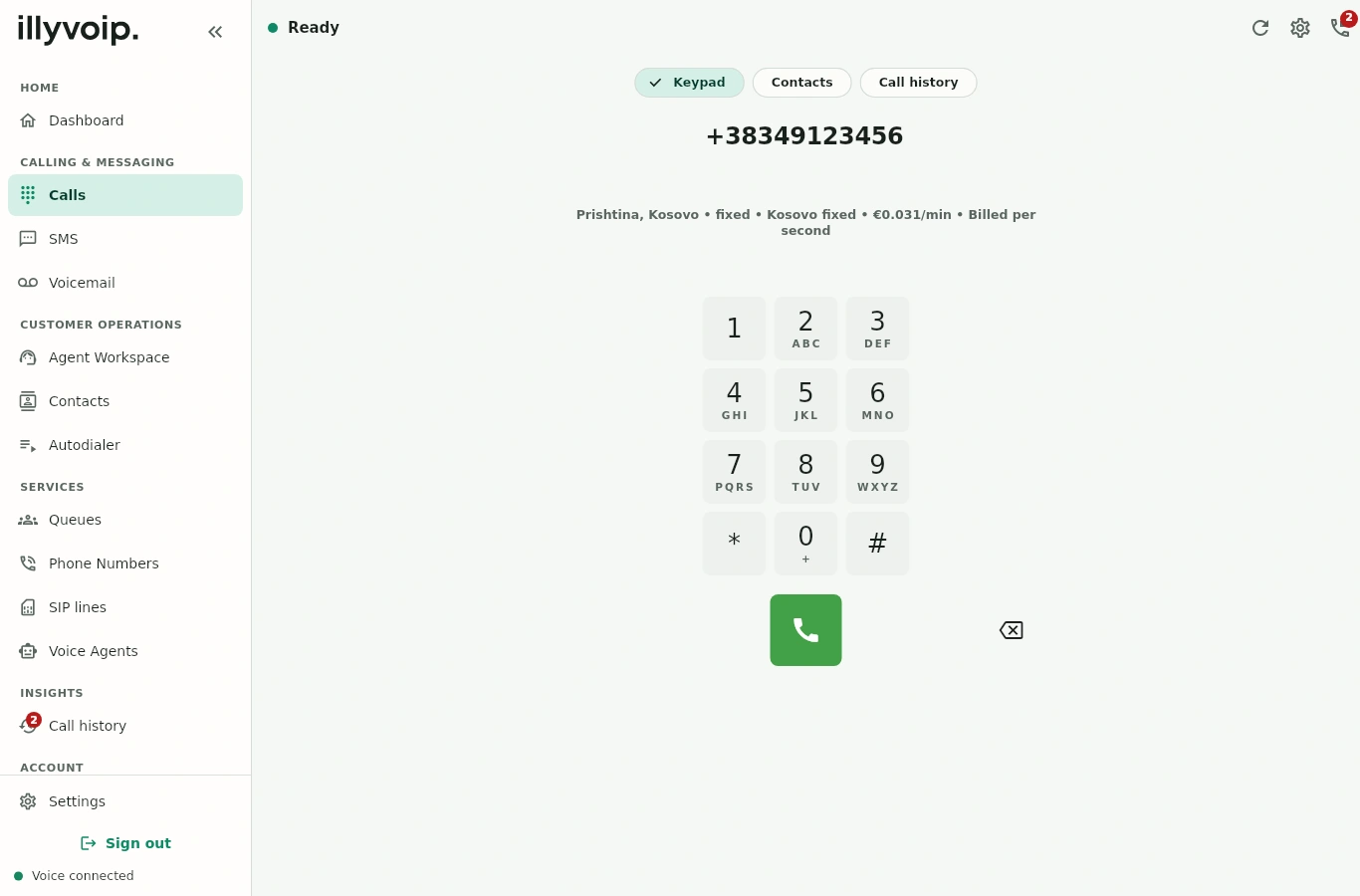
Make and receive calls wherever work takes you. Bring your numbers, your team and your customer conversations together with IllyVoIP.
Browser · Windows · iOS · Android
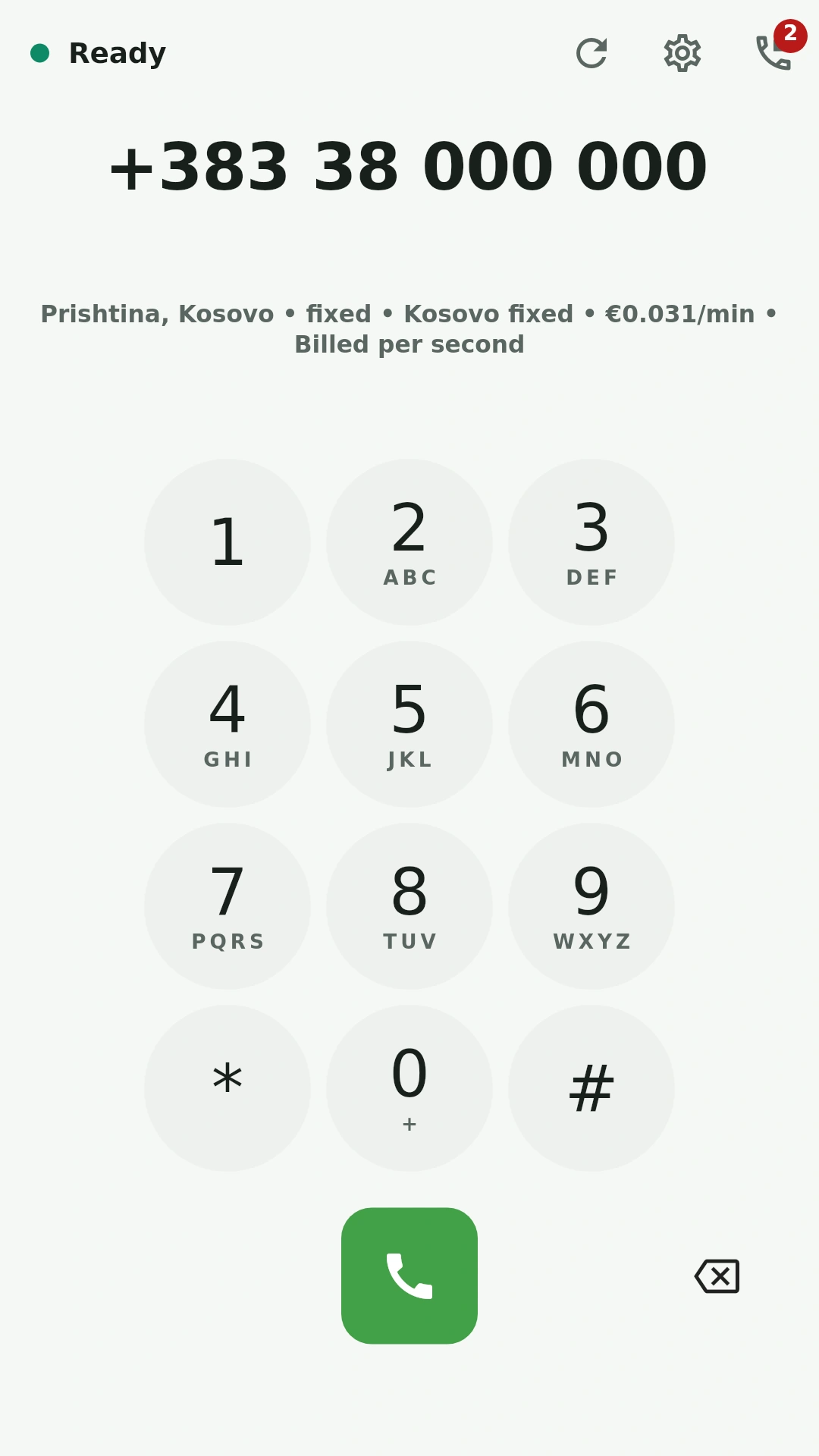
Use the built-in webphone in your browser, or take your calls into the IllyVoIP apps. Your business calling belongs wherever you work.
Incoming calls, your way
Choose a phone number in a supported market and decide where its calls go. Connect customers to your team, an AI voice agent or your existing SIP system.
Route calls to a queue so your agents can handle incoming conversations. Use voicemail to give callers another way to leave a message.
Call queues · Agents · VoicemailGive your team the customer context to follow up, and the visibility to understand how your calling is working.
Use the agent workspace to find contacts, add notes and organise follow-ups alongside customer conversations.
Connect HubSpot to synchronise contacts and log calls and SMS activity in your CRM.
Review call volume, answer rates, talk time and spend. Use reports and exports to look more closely at your activity.
More control, built in
You can make and receive calls using the IllyVoIP webphone or the Windows, iOS and Android apps. If you already use a SIP phone system, IllyVoIP also supports SIP connections. Our team can help you choose the setup for your business.
Number porting is available where supported. Eligibility, required documents and transfer times vary by country and number type. Contact our team to check your number before arranging a transfer.
Yes. Phone numbers can route incoming calls to an IllyVoIP voice agent. Configure its knowledge, business hours and call flow, including transfers. Speak with our team about the setup and services you need.
Costs depend on the services you choose and your calling destinations. Review the current rates or contact our team about your expected usage. Phone-number availability and any activation requirements depend on the market and number type.
Yes. Sign in to the mobile or Windows app with your IllyVoIP account. Contact our team if you need help with your calling setup.
Tell us about your team and how you handle calls.