
Read IllyVoIP call-history JSON into a Google spreadsheet using a private Apps Script. This example creates a new report tab only after all API pages have been fetched. It imports public call IDs and UTC start timestamps first; add other fields only after checking their current API definitions.
1. Prepare a private spreadsheet and script
You need an IllyVoIP account permitted to use the relevant API, sufficient balance for paid operations and an API key. In the Portal, open Account settings → Developer tools and follow its verification prompts. Keep the key in your server’s secret configuration as ILLYVOIP_API_KEY, outside source control and shared documents. Read-only catalog and reporting requests are different from paid speech generation or SMS submission.
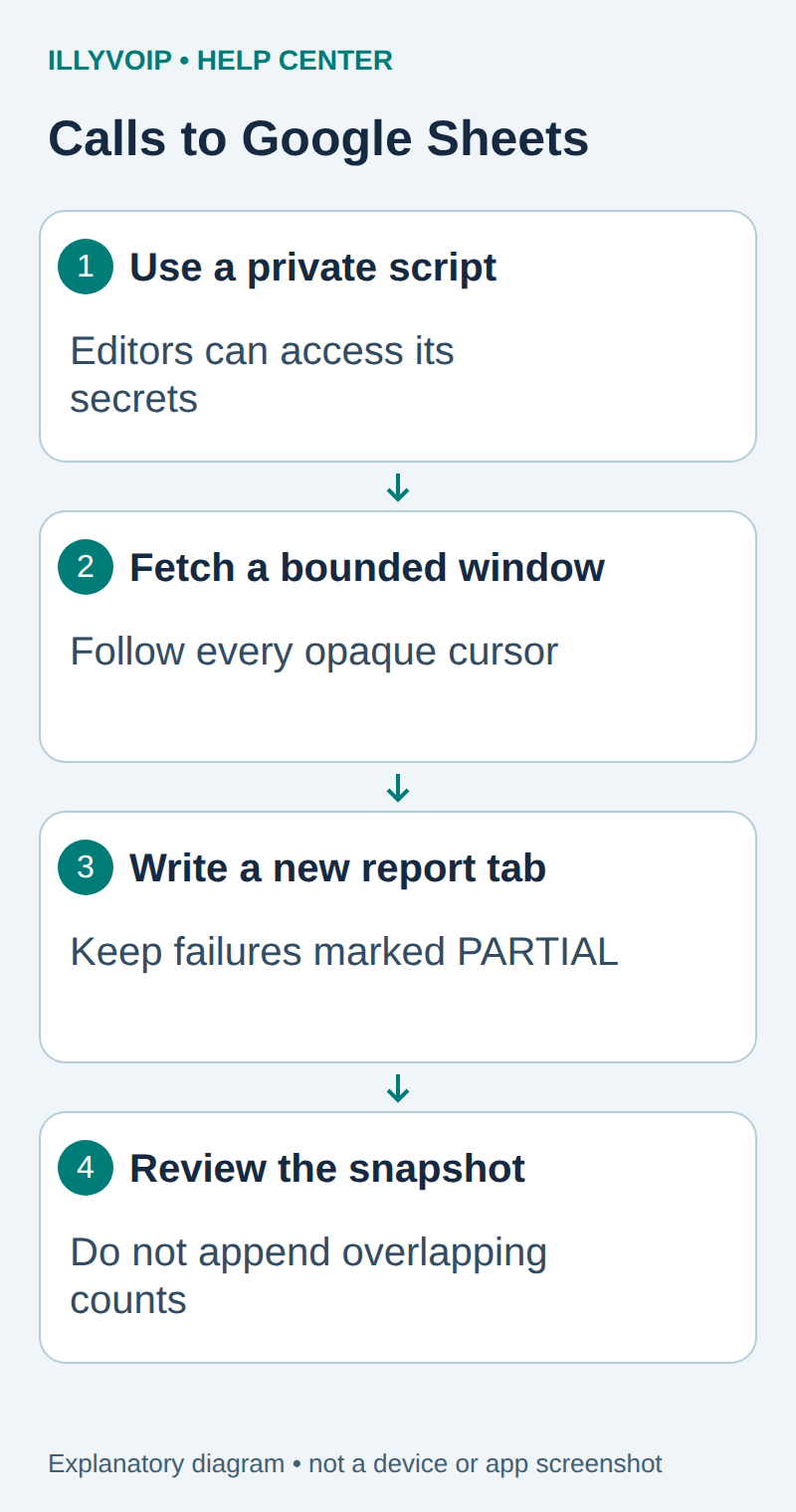
Create a spreadsheet whose editors are trusted with the call data and the bound script. Open Extensions → Apps Script. In Project Settings → Script properties, add ILLYVOIP_API_KEY. A script property keeps the key out of cells, but it is not a secret from people who can edit and run that script. Do not share the script broadly.
The script performs read-only Calls API requests; it does not send SMS or place calls. Google may request authorization for the spreadsheet and external HTTP access. Review those permissions for the intended account.
2. Add the bounded import function
Save the following in the script editor. It uses a seven-day rolling window and at most 50 pages of 100 rows. A bounded failure leaves the existing report untouched; use a server-side export for larger workloads.
function loadIllyVoIPCalls() {
  const lock = LockService.getScriptLock();
  if (!lock.tryLock(1000)) throw new Error('Another refresh is running');
  try {
    const key = PropertiesService.getScriptProperties().getProperty('ILLYVOIP_API_KEY');
    if (!key) throw new Error('Set the private script property first');
    const rows = [], ids = new Set(), cursors = new Set();
    let cursor = null, complete = false;
    const started = Date.now();
    for (let page = 0; page < 50; page++) {
      if (Date.now() - started > 180000) throw new Error('Time bound reached; no new tab created');
      let url = 'https://api.illyvoip.com/api/v1/calls?days=7&limit=100';
      if (cursor !== null) url += '&cursor=' + encodeURIComponent(cursor);
      const response = UrlFetchApp.fetch(url, {
        method: 'get', headers: {'X-Api-Key': key},
        followRedirects: false, muteHttpExceptions: true
      });
      if (response.getResponseCode() !== 200) throw new Error('API HTTP failure; no new tab created');
      const result = JSON.parse(response.getContentText());
      if (result.status !== 'success' || !Array.isArray(result.calls) ||
          !result.pagination || typeof result.pagination.has_more !== 'boolean') {
        throw new Error('Unexpected API response');
      }
      for (const call of result.calls) {
        if (typeof call.call_id !== 'string' || !call.call_id.startsWith('CALL-')) {
          throw new Error('Invalid public call reference');
        }
        if (!ids.has(call.call_id)) {
          ids.add(call.call_id);
          rows.push([call.call_id, String(call.started_at || '')]);
        }
      }
      if (!result.pagination.has_more) { complete = true; break; }
      const next = result.pagination.next_cursor;
      if (typeof next !== 'string' || !next || cursors.has(next)) {
        throw new Error('Missing or repeated cursor');
      }
      cursors.add(next); cursor = next;
    }
    if (!complete) throw new Error('Page bound reached; use a server-side export');
    const book = SpreadsheetApp.getActiveSpreadsheet();
    const name = 'PARTIAL-' + Utilities.getUuid().slice(0, 8);
    const sheet = book.insertSheet(name);
    const values = [['call_id', 'started_at_utc'], ...rows];
    const range = sheet.getRange(1, 1, values.length, 2);
    range.setNumberFormat('@');
    range.setValues(values.map(row => row.map(value => "'" + value)));
    sheet.getRange('D1').setValue('Scope: days=7, complete cursor traversal');
    sheet.getRange('D2').setValue('Fetched UTC: ' + new Date().toISOString());
    sheet.getRange('D3').setValue('Distinct calls: ' + rows.length);
    SpreadsheetApp.flush();
    sheet.setName('Calls-' + name.slice(8));
  } finally { lock.releaseLock(); }
}
3. Run once and inspect the result
Select loadIllyVoIPCalls and run it manually. After a complete fetch and successful write, the new tab starts with Calls-. A local write failure can leave a PARTIAL- tab; do not use that as a finished report. Existing tabs are retained.
The leading apostrophe used when writing values protects text identity and prevents a returned string from being treated as a spreadsheet formula. Confirm the displayed CALL- reference and timestamp against the source API result. Keep the UTC timestamp as text until you deliberately choose a timezone conversion.
4. Extend the report carefully
The supported API window is 1–31 days. Keep the same window and filters throughout a cursor traversal. Do not add arbitrary start_date/end_date parameters copied from Portal controls. To add an outcome or duration column, inspect the actual JSON field, preserve its null state and use its documented unit.
Build a chart from one completed snapshot. Repeated snapshots overlap; do not append their rows and sum them without deduplicating by public call ID. A fetched call report is not proof of invoice settlement or payment revenue.
5. Refresh and recover
Run the function deliberately for another snapshot, then compare scope, count and fetch time before retiring an old tab. For unattended schedules, first add your own retention limits, error reporting and a clear owner for the Google trigger. This example installs no trigger.
HTTP failure, invalid JSON, repeated cursor or a time/page bound stops the import. Do not remove the guard merely to hide the error. Google execution and fetch quotas can change; large exports belong in a controlled server process. Keep safe error messages in logs rather than full customer responses or API headers.
Related guides and reference
Apps Script URL Fetch; Script properties. IllyVoIP API reference. Reviewed October 11, 2026. Examples are instructional: local checks do not establish a completed paid request, live third-party integration or production PBX acceptance.