
If your organization requires an outbound HTTP proxy, configure the API client to use that approved path and verify that proxy credentials and IllyVoIP credentials reach the correct systems. This guide covers HTTPS API requests through an HTTP proxy, not SIP signaling or a SIP outbound proxy.
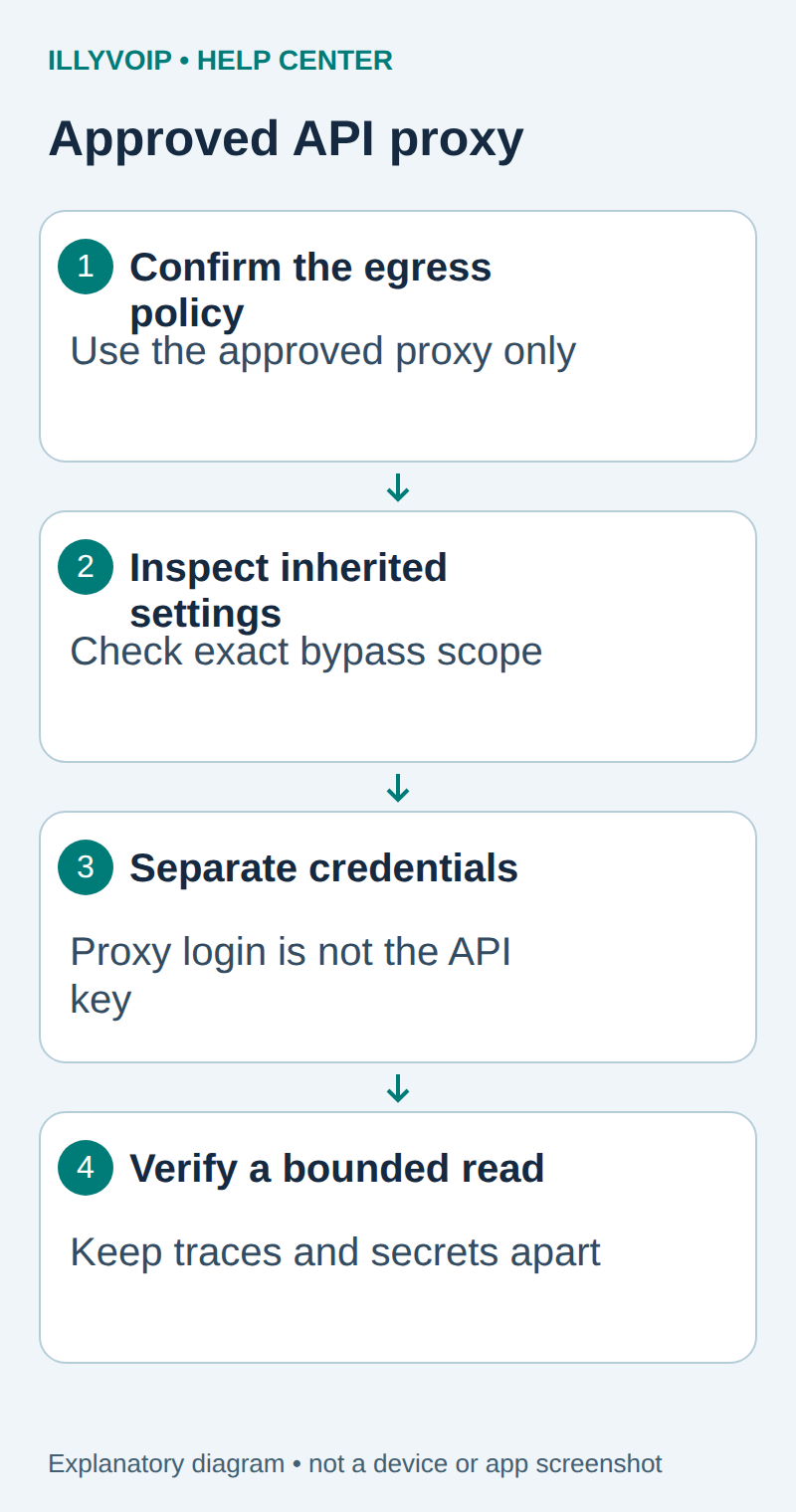
1. Confirm the required network path
Obtain the approved proxy address, port, authentication method and destination policy from the network administrator. Confirm that the proxy permits the documented IllyVoIP HTTPS hostname and port. Do not substitute a public proxy or bypass a mandated gateway.
Record whether the proxy is plain HTTP or HTTPS and whether approved TLS inspection is present. These choices affect which certificate authorities and credentials the client needs. A proxy can see the CONNECT destination even when it does not decrypt the application traffic.
2. Inspect cURL and inherited settings
curl --versionReview the service’s explicit proxy configuration and relevant proxy environment variables without printing secrets. A shell, container and scheduled service may inherit different settings. NO_PROXY/no_proxy can exclude destinations from proxy use; an unexpected exclusion can explain why one runtime connects differently.
Do not set a broad bypass just to make the request work. If an exception is intended, confirm its exact host scope with the administrator and test that scope. Keep Sandbox and Production destinations explicit.
3. Test a connection without the API key
Use the administrator-approved proxy URI in ILLYVOIP_APPROVED_PROXY. Avoid putting a password in that URI or in a command saved to shell history. A basic probe can inspect the connection without sending account credentials:
curl --proxy "${ILLYVOIP_APPROVED_PROXY:?Set the approved proxy URI}" \
  --silent --show-error --connect-timeout 10 --max-time 20 \
  --output /dev/null --write-out 'HTTP %{http_code}\n' \
  https://api.illyvoip.com/api/v1/sip/identities
Without an API key, an authentication response from IllyVoIP can still demonstrate that the HTTPS path reached the application. A proxy authentication failure, refused CONNECT or certificate error must be resolved first.
4. Keep proxy and API authentication separate
An HTTP proxy normally uses CONNECT to establish a tunnel to an HTTPS origin. Proxy authentication belongs to the proxy exchange; X-Api-Key belongs to the IllyVoIP HTTPS request. Do not configure the API key as a proxy password or add it to proxy-specific headers.
If proxy authentication is required, use your organization’s supported mechanism and cURL’s documented proxy options. A protected cURL configuration file can avoid literal credentials in process arguments, but it still contains secrets and needs restricted permissions and retention. Do not commit it or capture it in a screenshot.
For an HTTPS proxy, cURL may verify both the proxy’s TLS certificate and the origin’s certificate. The corresponding CA options are separate. Follow the certificate guide for approved trust configuration; neither --insecure nor --proxy-insecure is an appropriate permanent remedy.
5. Perform one authorized read
After the unauthenticated path is verified, follow the API quickstart’s secure key procedure and make one read-only identities request through the same proxy. Check HTTP status and the documented JSON shape. Do not use a paid send or a number purchase as a connectivity probe.
Confirm the path through the approved proxy’s authorized logs or a controlled local test. A successful API response alone does not prove which proxy settings were effective. When collecting traces, remove authorization headers, cookies, proxy credentials and account data before sharing.
6. Diagnose the component that failed
| Item | Meaning or action |
|---|---|
| 407 or proxy authentication error | Check the proxy’s credential mechanism and policy, not the IllyVoIP key. |
| CONNECT denied | Ask the administrator to inspect the allowed host/port and egress policy. |
| Certificate error | Distinguish proxy certificate trust, interception trust and origin trust. |
| HTTP 401/403 from the API | Use the API authentication guide after the network path is established. |
| Only one runtime fails | Compare its cURL build, environment, CA files and approved proxy configuration. |
Keep the verified configuration with the integration’s deployment record. Retest after a proxy migration or certificate change using a bounded read. This setup does not change SIP registration, media routing or account authorization.
Related guides and reference
cURL proxy options. IllyVoIP API reference. Reviewed October 12, 2026. Examples are instructional: local checks do not establish a completed paid request, live third-party integration or production PBX acceptance.