
A cURL certificate error occurs before a normal IllyVoIP API response is available. Investigate the client’s trust store, the requested hostname and any HTTPS-inspecting proxy before changing API credentials. This guide focuses on certificate-chain failures such as “unable to get local issuer certificate”.
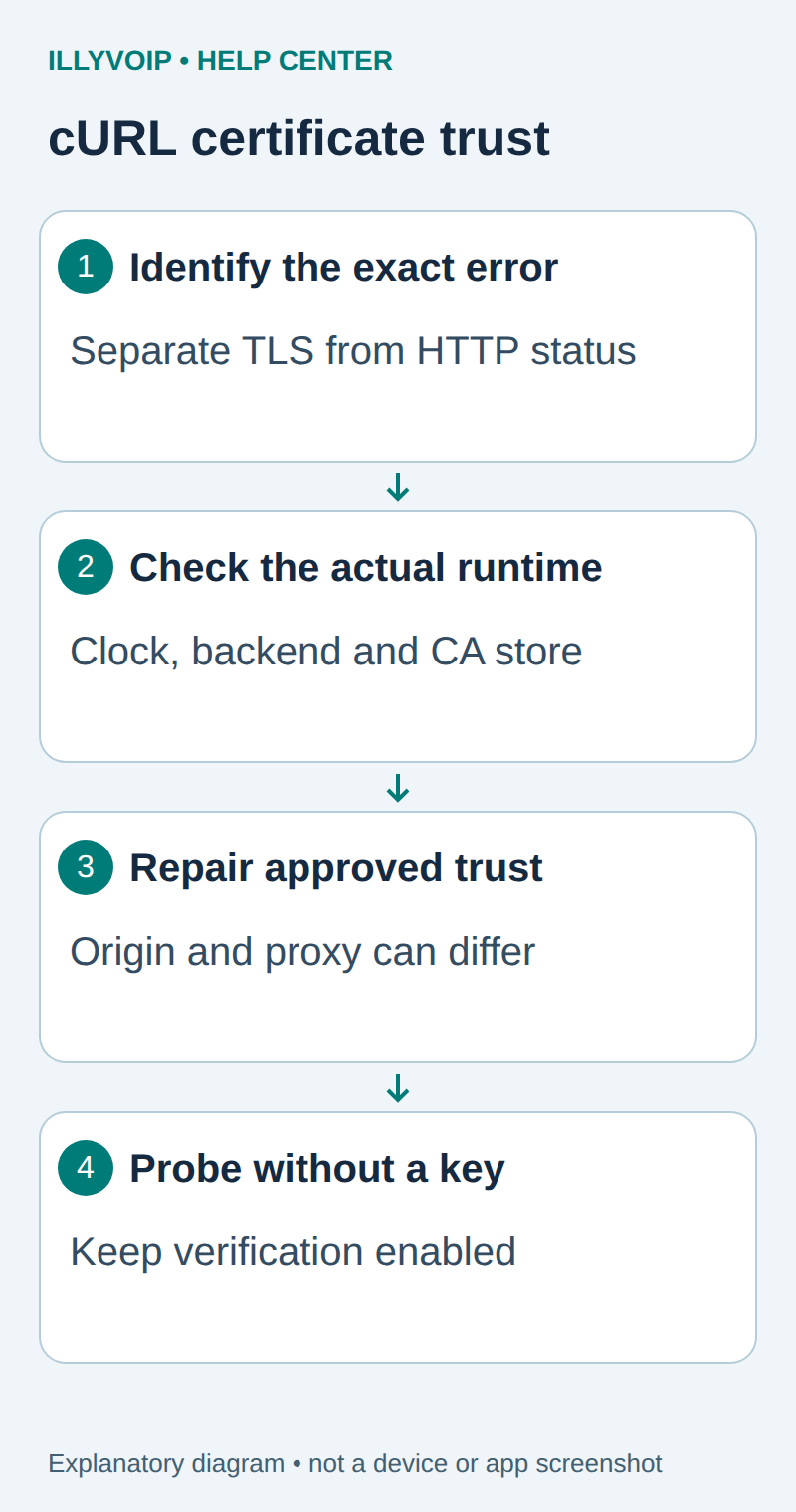
1. Preserve the exact error
Record the cURL exit code, error text, requested hostname and time. Keep the API key and response data out of diagnostic output. An HTTP 401/403 received after a successful TLS connection is a different problem from failure to establish trust.
Check the configured environment. Production uses the documented api.illyvoip.com hostname; Sandbox has its own documented hostname and credential. Do not replace the hostname with an IP address to bypass a certificate mismatch.
2. Inspect the client and clock
curl --version
date -u
The version output identifies cURL and its TLS backend. Different builds can use different certificate stores even on the same machine. A command that works in your interactive shell may use a different binary or trust configuration inside a container or service.
Check that the system clock is correct. Certificates have validity periods; a substantially wrong clock can make a valid chain appear expired or not yet valid. Review CURL_CA_BUNDLE, SSL_CERT_FILE and SSL_CERT_DIR only through your approved configuration tools, without dumping unrelated environment secrets.
3. Reproduce without an API key
A connection probe can request a read-only API URL without authentication. The expected application response may be an authentication error; the question here is whether TLS succeeds. Do not send credentials while experimenting with an untrusted connection.
curl --silent --show-error --connect-timeout 10 --max-time 20 \
  --output /dev/null --write-out 'HTTP %{http_code}\n' \
  https://api.illyvoip.com/api/v1/sip/identities
Keep certificate verification enabled. Do not use -k or --insecure as a fix. A successful connection after disabling verification does not prove that the server is the intended IllyVoIP endpoint.
4. Repair the correct trust path
| Item | Meaning or action |
|---|---|
| Missing or outdated system CA bundle | Update the operating system’s trusted CA package through its supported package manager. |
| Application uses a custom CA file | Check its configured path, permissions and contents; update it through your organization’s approved process. |
| Approved corporate TLS inspection | Ask the administrator for the approved enterprise root and installation procedure. |
| HTTPS proxy certificate failure | Review proxy trust separately from origin-server trust. |
| Hostname mismatch | Correct the URL or investigate interception; do not turn hostname verification off. |
Never download a random certificate bundle from an error-message forum. Adding a trust root changes whom the client can trust. When an explicit CA file is appropriate, test with the reviewed file:
curl --cacert /approved/path/ca-bundle.pem \
  --silent --show-error --connect-timeout 10 --max-time 20 \
  --output /dev/null --write-out 'HTTP %{http_code}\n' \
  https://api.illyvoip.com/api/v1/sip/identities
The example path must point to an administrator-approved readable PEM bundle. It is not a file supplied by this article. Do not overwrite the whole system trust store to add one enterprise root.
5. Check the actual service environment
Repeat the unauthenticated probe from the same container, runtime user or service environment that failed. Check filesystem access to the CA bundle and whether the service needs a controlled reload to pick up configuration changes.
Only after TLS verifies normally should you repeat an authorized read using the existing API-key procedure. Avoid verbose traces with real credentials: headers and application data can appear in logs. A corrected trust store does not require changing the account’s API key.
Escalate with useful evidence
If the problem persists, provide the hostname, UTC time, cURL/TLS-backend version, sanitized error, whether an approved proxy is present and whether another approved runtime reproduces it. Do not include keys, full environment dumps or private proxy credentials.
A client error does not by itself prove the IllyVoIP certificate is faulty. Conversely, if several trusted clients report the same current chain problem, keep the evidence and contact Support rather than accepting an unverified certificate.
Related guides and reference
cURL certificate verification. IllyVoIP API reference. Reviewed October 12, 2026. Examples are instructional: local checks do not establish a completed paid request, live third-party integration or production PBX acceptance.