
If you have forgotten your IllyVoIP password, you can recover access from the sign-in page. If you are already signed in, use the Security settings instead.
Reset a forgotten password
- Open Forgot password.
- Enter the account identifier requested by the form and complete any security check.
- Follow the recovery instructions sent to the address or number associated with your account. Check your spam folder for an email recovery message.
- Complete the verification step and choose a new password that meets the requirements shown on screen.
- Return to Sign in and use your new password.
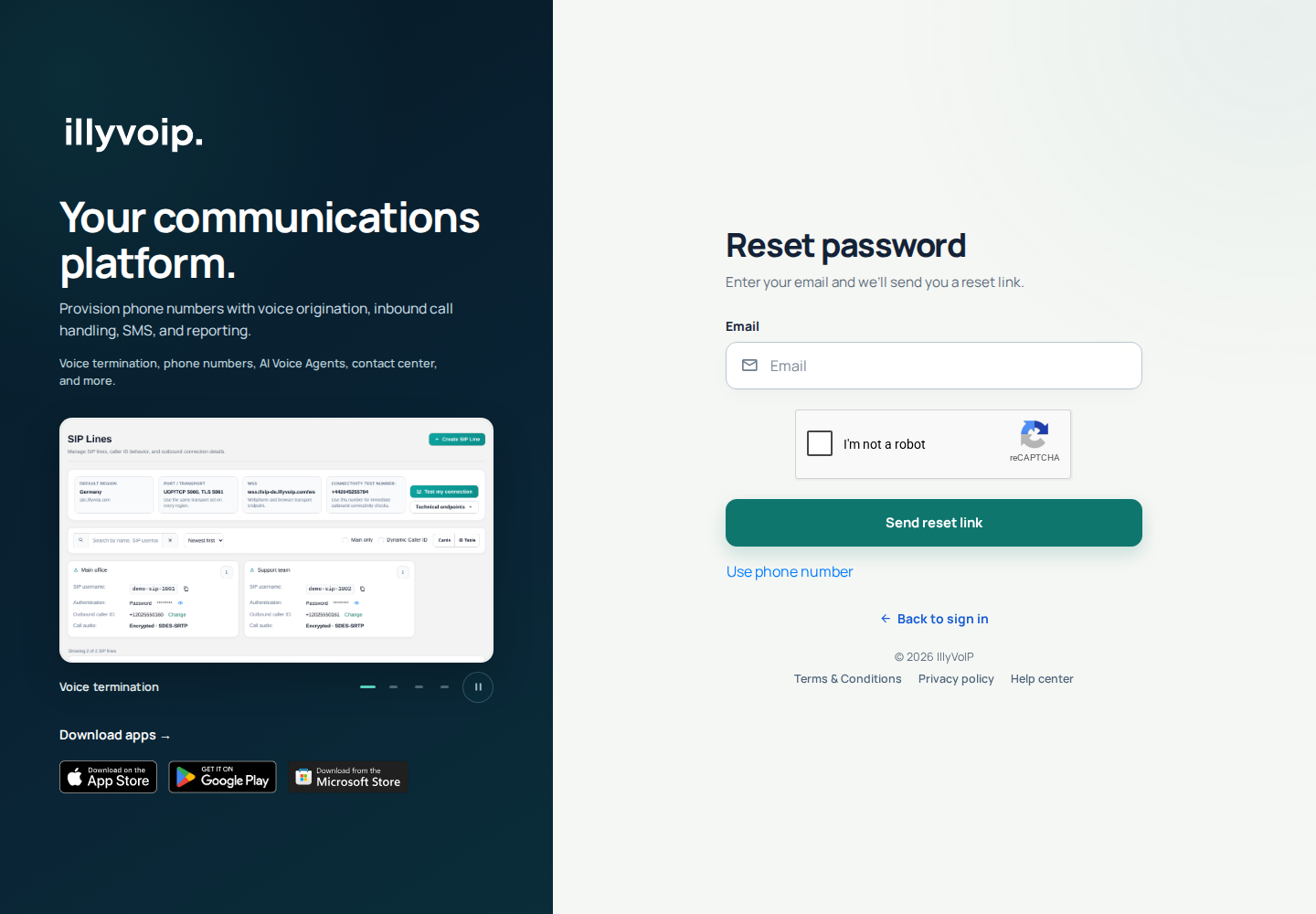
Recovery messages may use a neutral response to protect account privacy. If you cannot access your recovery channel, contact support rather than creating repeated reset requests. Never share a recovery code or password.
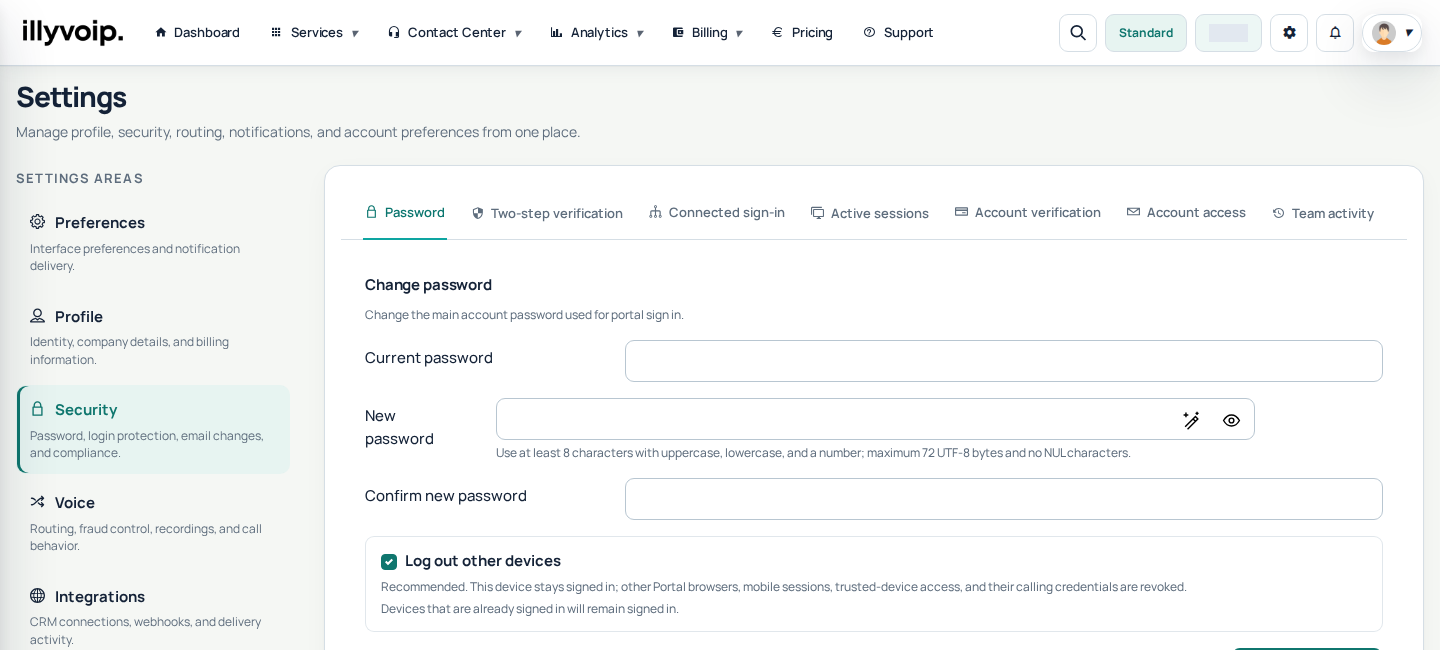
Change your password while signed in
- Open the account menu and choose Settings.
- Open Security.
- Use the password-change controls and complete any required verification.
- Save the new password and review your active sessions if you suspect someone else has accessed the account.
Keep your account secure
Use a unique password and enable two-step verification in Security settings. Changing your Portal password is separate from changing the SIP credentials used by a softphone or PBX.