
ngrok can give a local webhook receiver a reachable HTTPS address for development. Keep the receiver’s own IllyVoIP signature verification and durable event handling in place: a tunnel transports the request, but it does not establish that the request is authentic.
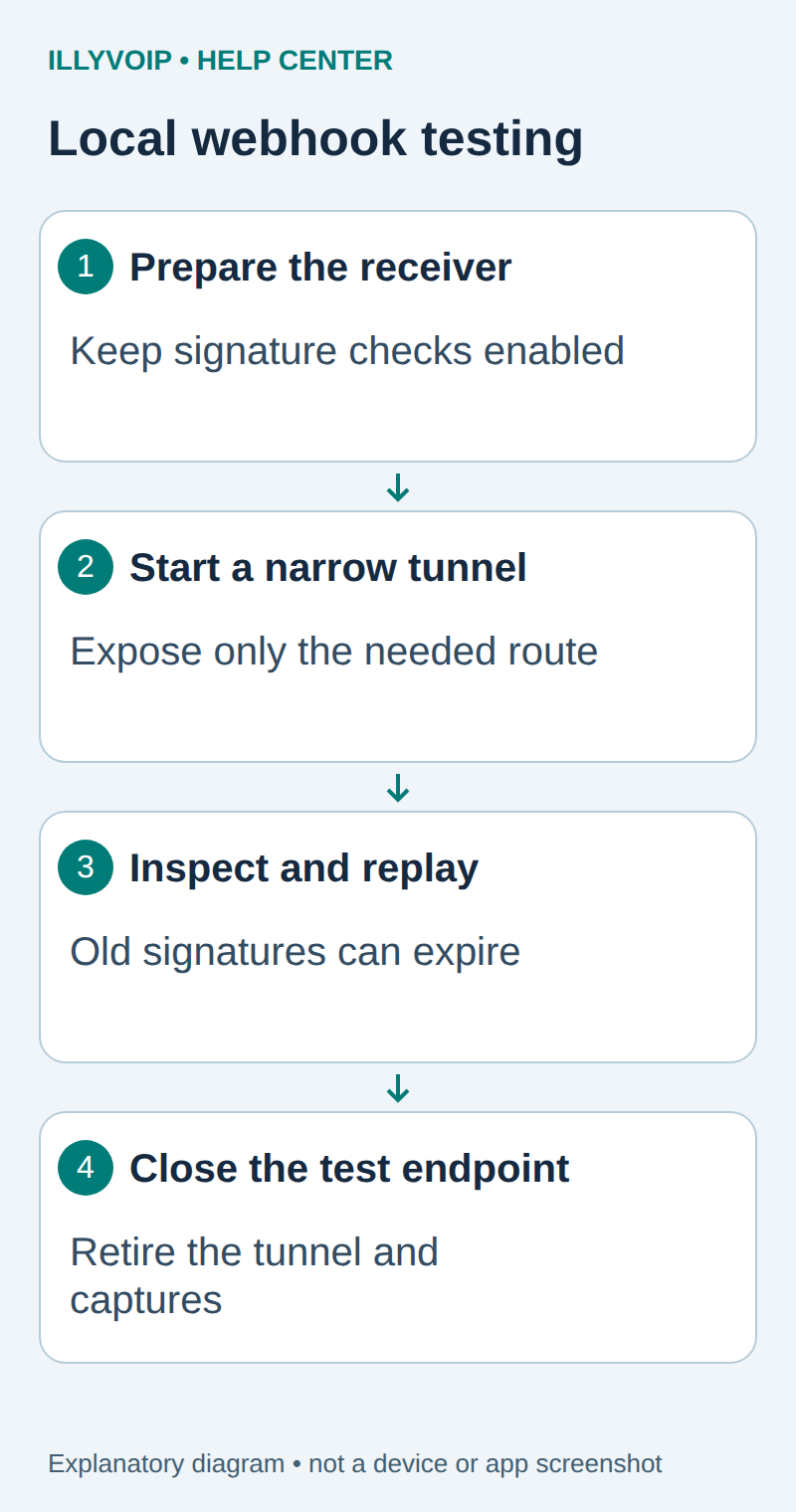
1. Prepare the receiver before the tunnel
Use the FastAPI or Node.js receiver guide to listen on a loopback address such as 127.0.0.1:8015. Test it first with a synthetic signed request and a test secret. The receiver should reject a changed body and store a repeated valid event only once.
Keep the application separate from customer traffic. Expose only the intended development route, and do not publish unrelated administrator pages or a debug console. A local development server can become Internet-reachable as soon as the tunnel starts.
2. Start an HTTPS endpoint
Install the current ngrok agent from the official documentation and authenticate it using your ngrok account’s approved credential storage. That credential is separate from the IllyVoIP webhook secret and API key.
ngrok http http://127.0.0.1:8015Read the HTTPS forwarding URL printed by your installed agent. Domains, retention, inspection and usage limits depend on the current account and plan; do not assume a tutorial’s sample address is yours or will remain available indefinitely.
Append the receiver’s actual route, for example /webhooks/illyvoip. Confirm that the intended application responds at that URL. Do not share the local inspector publicly or enable broad access just to make an initial request succeed.
3. Configure a separate IllyVoIP endpoint
When you are ready for an authorized delivery test, open Settings → Integrations → Webhooks. Add a clearly labelled development endpoint with the exact HTTPS URL and only the required events. Review any SMS sender filters.
Store the new endpoint’s signing secret in the development receiver before relying on deliveries. Each endpoint has its own secret; copying a production receiver’s configuration can verify against the wrong secret. Do not rotate or replace a working production endpoint merely to test a tunnel.
The Portal endpoint URL is read-only after creation in the current workflow. If your tunnel URL changes, create and coordinate a replacement endpoint, then retire the old one. Changing a local environment variable does not update the Portal’s saved destination.
4. Inspect a delivery without exposing its contents
Use ngrok’s local inspection interface, normally at http://localhost:4040, to review the request path, HTTP status and timing. Correlate these with the Portal delivery attempt and your durable receiver event ID.
Inspection can retain full headers and bodies. Use synthetic fixtures wherever possible and treat captured events as private. Screenshots should exclude signing material and customer payloads. A receiver 2xx confirms acceptance by that receiver, not completion of a downstream worker.
5. Replay with the signature rules intact
ngrok can replay an inspected request, but the original IllyVoIP signature still covers its original timestamp and bytes. A stale replay may correctly fail your timestamp policy. Editing the body invalidates its signature. Do not turn off verification to make an altered production event pass.
For local altered cases, generate a new synthetic fixture with your local test secret. For a valid duplicate replay still inside the receiver’s time window, verify that the unique event ID prevents a second business job.
ngrok documents that local-agent replay goes directly to the upstream service and bypasses policies applied earlier at a Cloud Endpoint. A successful local replay therefore does not prove that the full public policy path accepted the original request.
6. Finish the development session
- Record the receiver version and the specific cases you checked.
- Disable or retire the development endpoint when it is no longer needed.
- Stop the tunnel and confirm it no longer exposes the local service.
- Apply retention rules to inspection history and test payloads.
- Keep production endpoint settings and secrets separate.
| Item | Meaning or action |
|---|---|
| 404 from the tunnel | Check the full receiver path, not just the domain. |
| Signature rejected | Check endpoint secret, exact bytes and timestamp; do not bypass verification. |
| Delivery timed out | Check tunnel availability and durable storage latency. |
| Duplicate action | Inspect event-ID deduplication and downstream worker identity. |
Related guides and reference
ngrok request inspection. IllyVoIP API reference. Reviewed October 12, 2026. Examples are instructional: local checks do not establish a completed paid request, live third-party integration or production PBX acceptance.