Introducing IllyVoIP V2: A New Platform, a New Website, and a Growing Help Center
Meet IllyVoIP V2 and our new website. Explore the products, apps and everyday tools available to you, with a growing Help Center to guide the way.
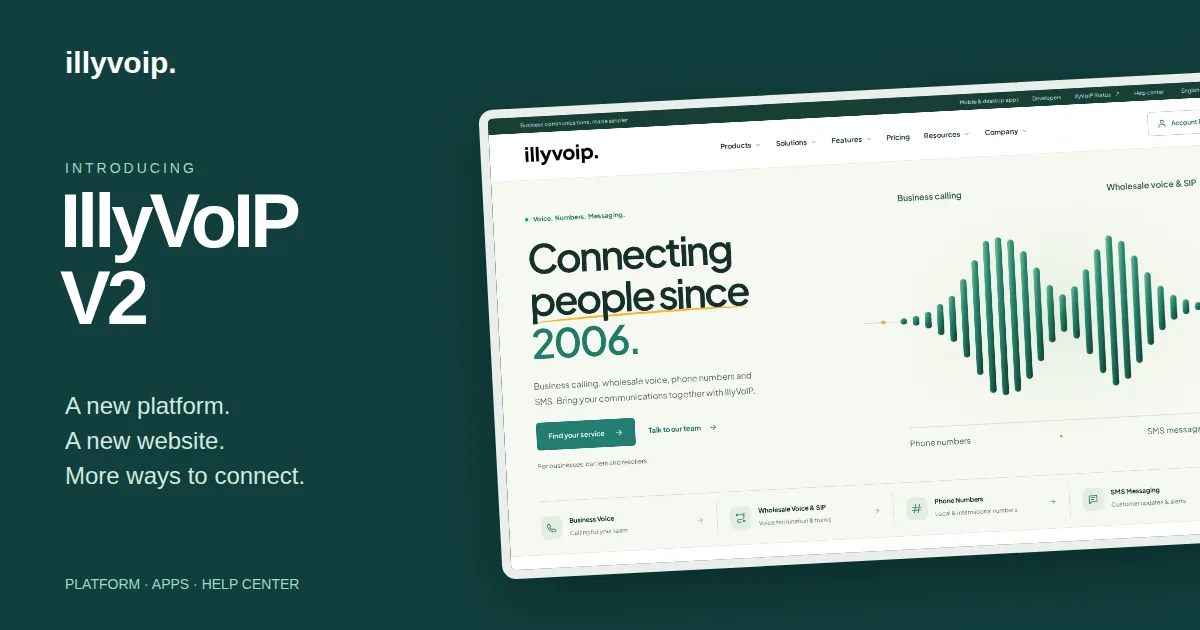
This October, we introduced IllyVoIP V2 and followed it with a new website. Together, they mark a new chapter for the platform: a place to manage business communications, explore the services available to you, and find practical help when you need it.
There is a lot to explore. Business calling, phone numbers and SIP connectivity sit alongside AI Voice Agents, programmable voice, messaging and tools for customer-facing teams. Our mobile and Windows apps bring calling to the devices you already use. And our growing Help Center explains how to put these services to work.
Some of these services will be familiar to existing customers. This is a tour of the platform as it stands today, bringing those established services and the wider V2 experience into one place.
A new website with more room to explain
Choosing a communications service usually starts with a practical question. Can I connect my existing phone system? Where do incoming calls go? Can my team work from their phones? What do our developers need to build an integration?
The new IllyVoIP website gives those questions more space. You can browse by product, explore features, read about use cases and follow links to setup guidance. A business choosing its first number and a carrier planning SIP connectivity can each find a relevant starting point.
We have also brought the apps, developer resources and Help Center into the main navigation. Whether you are evaluating IllyVoIP or already using it, these are resources you should be able to find when you need them.
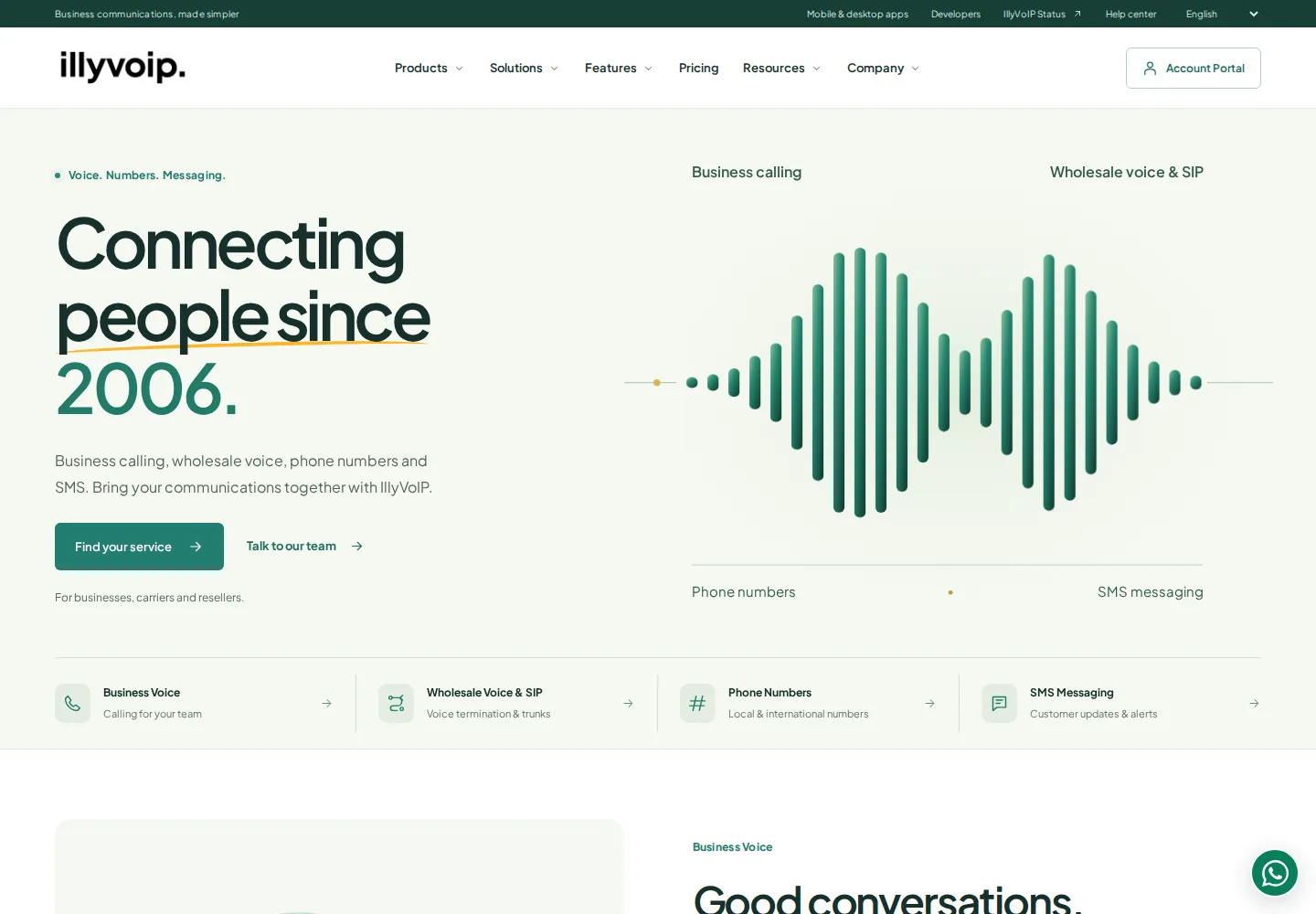
The products behind your communications
Business Voice and Contact Center
Business Voice is the starting point for everyday team calling. Use the browser webphone or an IllyVoIP app, manage SIP accounts and caller IDs, and configure how incoming calls reach your team through IVR, queues and voicemail.
For teams working through customer conversations throughout the day, Contact Center brings together an agent workspace, contacts, notes and follow-ups. Agents can find customer context while handling a call, then record the next action before moving on.
Outbound campaigns support Power and Predictive dialing. Supervisors can follow campaign activity, agent readiness and queue activity, then review performance through reports. Team permissions help you decide who can access the tools and information their role requires.
Wholesale Voice and SIP Trunking
If you already operate a PBX, voice platform or carrier service, Wholesale Voice & SIP provides the connectivity for that setup. Explore Premium, Standard and Wholesale routing plans, review destination rates, and configure the regional SIP endpoints appropriate for your system.
Call records and reporting help you follow the resulting traffic. The website and Help Center also explain SIP setup and troubleshooting, so your team has a reference when connecting a phone, softphone or PBX.
Phone Numbers and Toll-Free Numbers
Phone Numbers covers local, national, mobile and toll-free options in supported markets. Once a number is active, its incoming routing determines where callers go: for example, to a SIP user, queue, AI voice agent or application.
Our dedicated Toll-Free Numbers page explains that option in more detail. If you want to bring an existing number with you, number porting is available where supported. Availability, documents, activation requirements and porting eligibility depend on the number and country.
SMS Messaging and Number Lookup
SMS Messaging supports individual and bulk messages through the portal, with API access for application workflows. You can review message costs and follow delivery status in message history. Sender requirements and destination support should be checked for the traffic you plan to send.
Number Lookup helps you inspect number metadata. Live HLR lookup adds supported network and portability information where available. These checks can inform how you work with a number; the information returned depends on the lookup and network coverage.
AI Voice Agents and tools for developers
Some calls need a person straight away. Others begin with a greeting, a question or a request that can be directed through a defined flow. AI Voice Agents lets you build that incoming experience around your business.
Prepare a knowledge base with company information, questions and answers, and service guidance. Choose a voice, main language and additional languages, then use the visual editor to connect greetings, AI assistance, keypad input, conditions, webhooks and transfers. Business hours and an after-hours path help define what happens when your team is unavailable.
The knowledge remains yours to review and maintain. As your services or policies change, update the facts the agent uses and test the flow before putting it in front of callers.
For developers who want their application to control calls, Voice API provides operations for creating and answering calls, playing audio, speaking text, collecting speech or keypad input, and transferring or ending a call. Standalone speech-to-text and text-to-speech endpoints support audio workflows outside a live call as well.
The developer resources cover APIs, request examples and the Webphone SDK for embedding browser calling. Webhooks connect supported events to your own systems. The portal also includes a HubSpot integration for supported contact imports, lead exports and activity logging, with configuration controls in account settings.
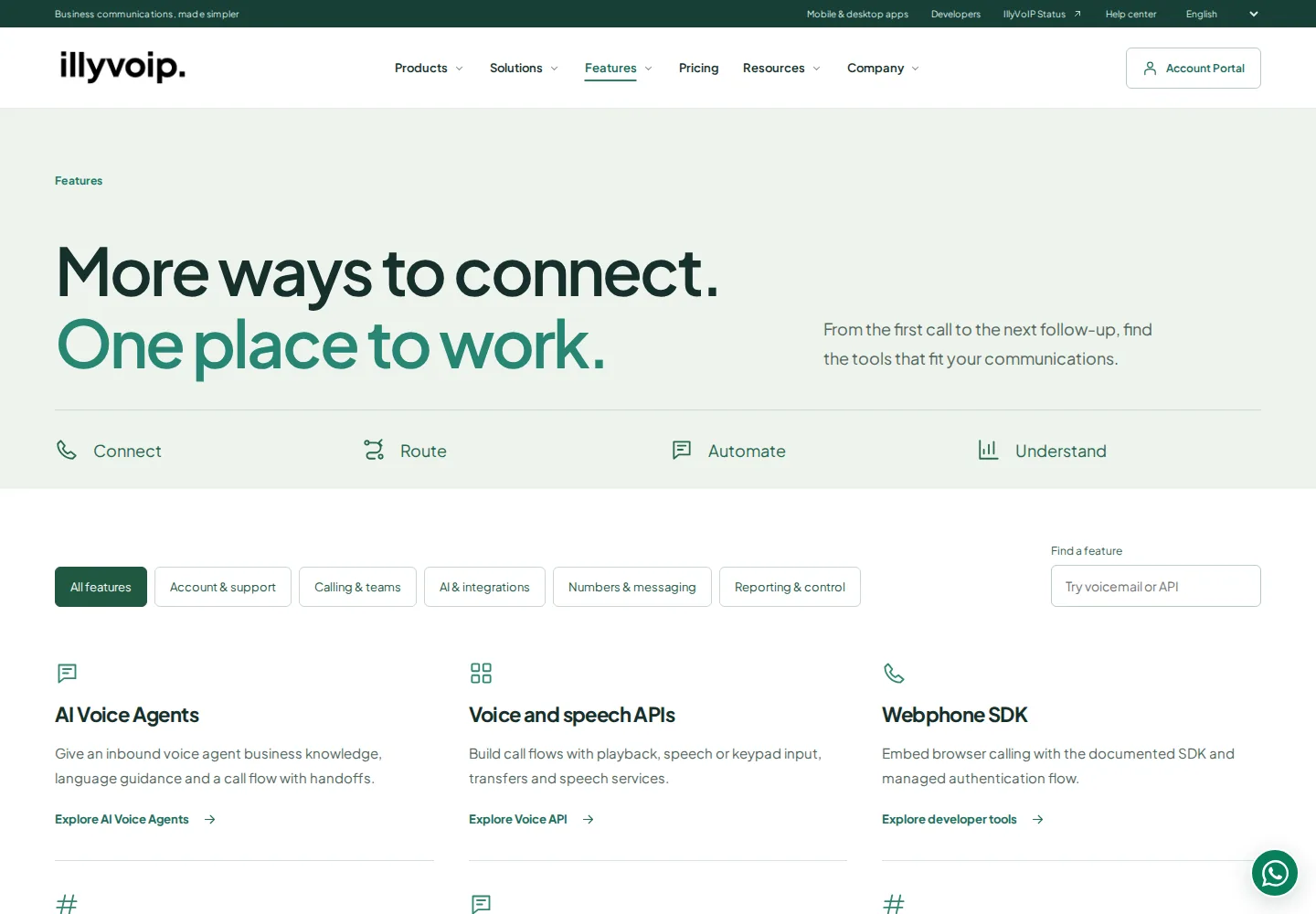
The everyday features that connect the work
A product name only tells part of the story. Much of the day-to-day work happens between calls: finding a contact, checking what happened yesterday, scheduling a callback or helping a colleague get connected.
The feature catalogue brings these tools together:
- Calling and routing: browser calling, eligible caller ID management, regional SIP connectivity, IVR, queues, voicemail, and mobile and desktop apps.
- Customer work: contacts and lead management, shared customer information, agent workspaces, appointments, notes and follow-ups. Lead Finder offers a way to search for business contacts, with contact-reveal costs shown before confirmation.
- Team operations: agent and SIP accounts, role-appropriate permissions, Power and Predictive dialing, live monitoring, campaign activity and queue visibility.
- Reporting: call records, volume, answer rates, talk time, spend, agent and number views, and exports. Recordings and searchable transcripts help teams revisit conversations; audio access and transcription have separate usage charges.
- Account management: setup and service activation, number porting, payment options, language, timezone and local-dialing preferences, plus support access from the portal.
- Protection and troubleshooting: two-step verification, active-session review, destination policies, prefix rules and outbound rate controls. The connection test checks browser reachability and response time to help begin an investigation.
- Automation and integrations: AI Voice Agents, voice and speech APIs, the Webphone SDK, webhooks, HubSpot, SMS delivery tracking and number lookup.
Choose the tools that fit your setup. Available services and controls depend on your account, permissions and configuration, and current pricing remains the reference for service charges.
IllyVoIP on your phone, desktop and browser
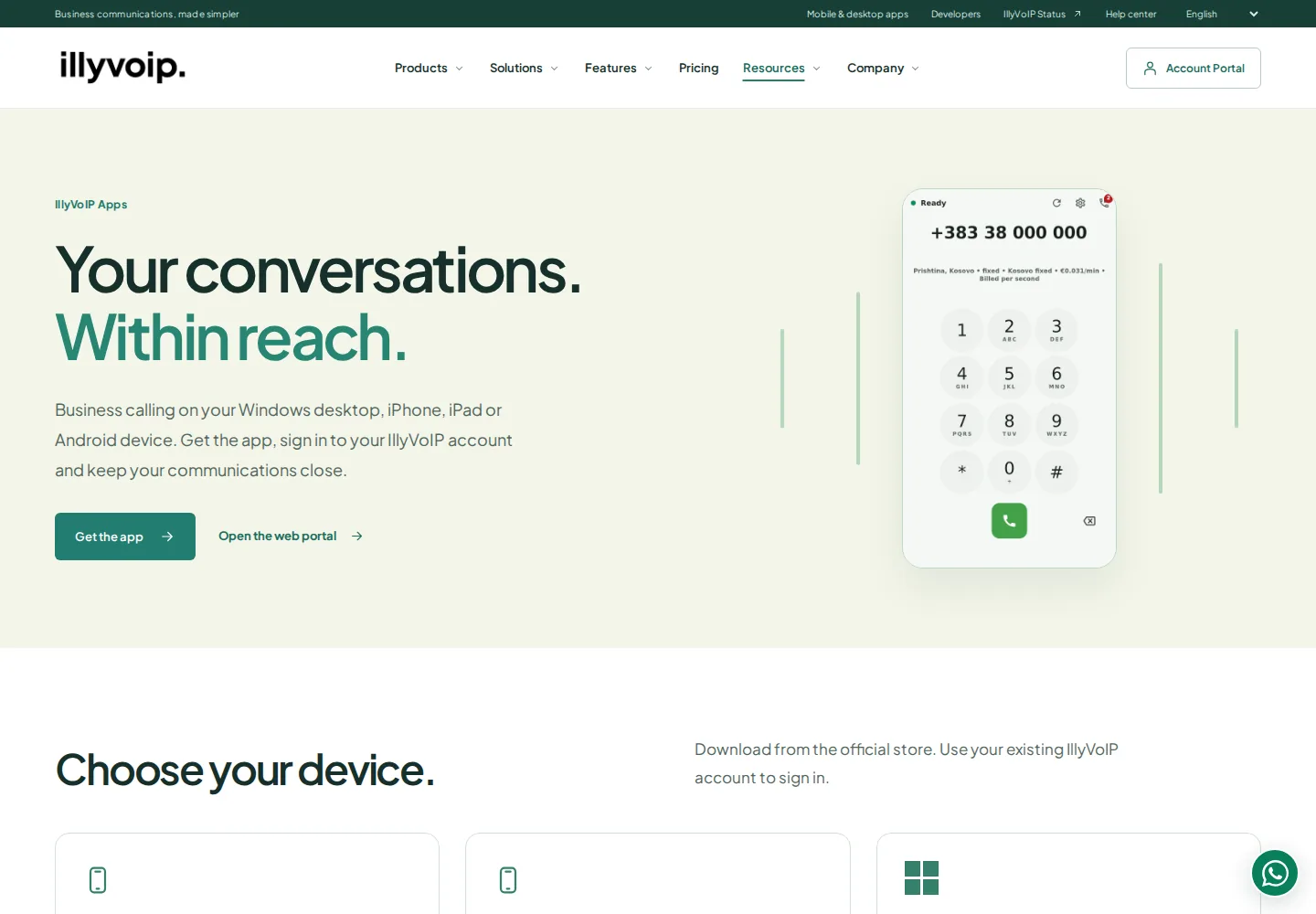
The apps deserve a place in this introduction. You can use IllyVoIP on iPhone, iPad, Android and Windows, alongside the browser portal and its built-in webphone.
On mobile, calling sits alongside everyday tools such as contacts, SMS, voicemail and number management. The Windows app keeps a dedicated calling screen on your desktop, with a keypad, contacts and call history. Each app is designed for its device; the available features are not identical across every version.
Use your existing IllyVoIP account to sign in. If you are setting up incoming business calls, check the phone number’s routing as well as the app permissions and audio settings.
- Download IllyVoIP for iPhone and iPad
- Download IllyVoIP for Android
- Download IllyVoIP for Windows
- Open the IllyVoIP portal
The apps page brings the official downloads together. Check the store listing for device requirements, and review your account rates before calling or using other metered services.
A Help Center that grows with the platform
Good documentation should help you finish the task in front of you. That might mean connecting a desk phone, understanding a call record, setting up your first queue or finding out why a message has not been confirmed as delivered.
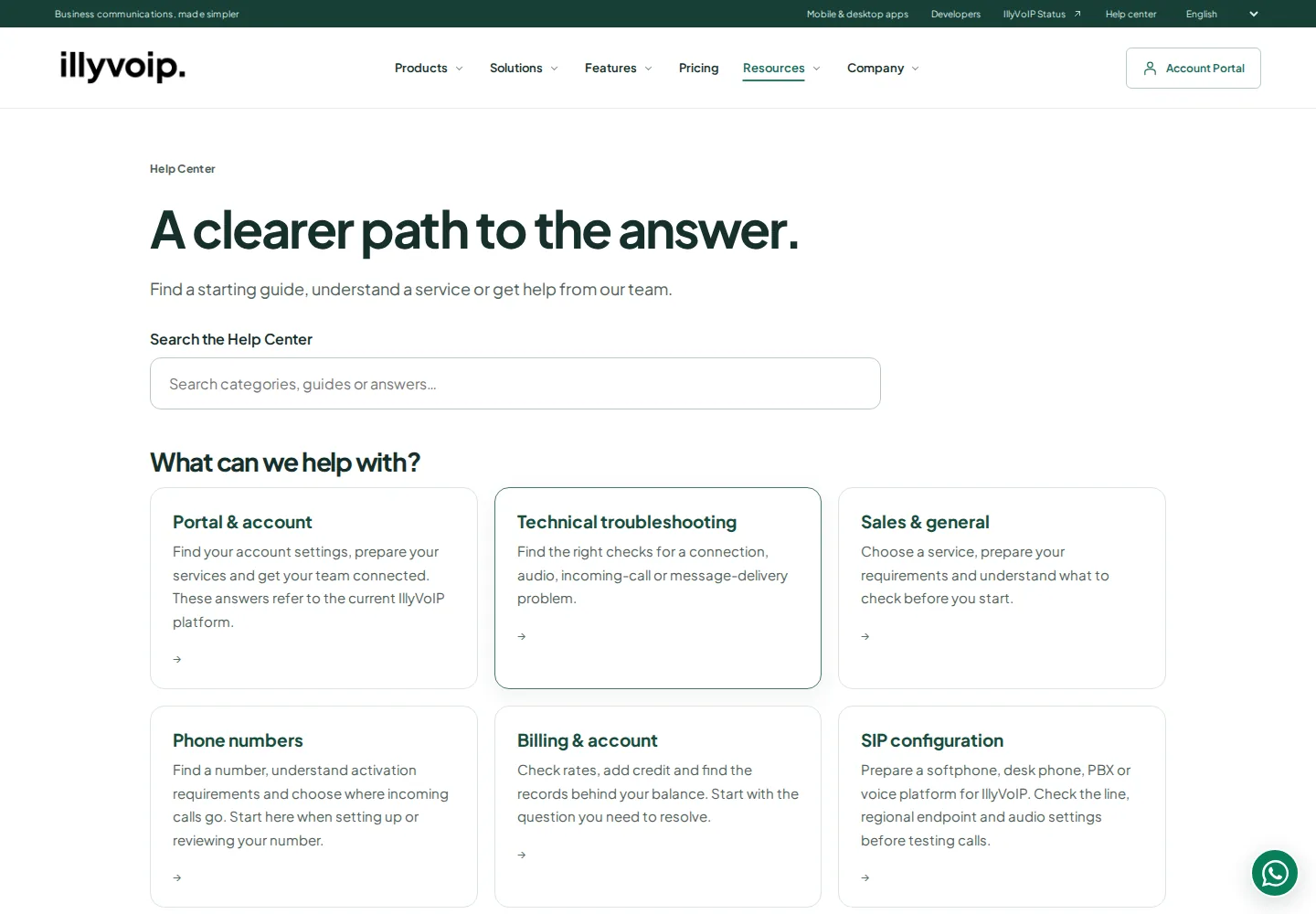
Our Help Center covers portal and account management, technical troubleshooting, phone numbers, billing, SIP configuration, Contact Center tools and developer integrations. It includes guides for familiar systems such as 3CX, FreePBX, MicroSIP and Zoiper, alongside instructions for IllyVoIP’s own tools.
Search for the task or device you are working with, or browse the relevant category. Guides use practical steps and supporting visuals where they help explain the setup. Language options make the documentation accessible to more of our users.
We are continuing to expand and improve this library as the platform develops and customers bring us new questions. If an explanation is missing or a step is unclear, tell us. That feedback helps us decide what needs a better guide.
Where to start
If you already use IllyVoIP, sign in and explore the tools relevant to your work. Try the app on the device you use most, browse the feature catalogue, or bookmark the Help Center for your next setup task.
If you are new, start with the getting-started guide and the product page that matches your needs. Review pricing, account requirements and service configuration before moving live traffic.
We are pleased to share this next chapter with you. Explore the new website, open IllyVoIP V2, and let our team know what you want to build, connect or improve next.