
If a SIP phone cannot resolve its configured IllyVoIP hostname, it cannot reach the intended server by that name. Check DNS from the affected phone or PBX network before changing credentials, codecs or firewall rules. A successful lookup is one prerequisite; it is not proof of registration or a working call.
This guide is for a device or network administrator. The examples use dig on Linux/macOS or another system where it is installed. Use your operating system’s equivalent DNS tool if necessary. No account setting needs to change just to inspect a public DNS answer.
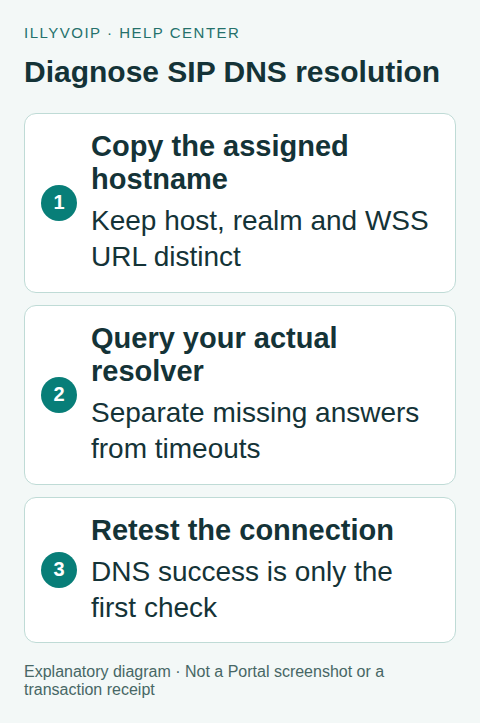
1. Confirm the actual hostname
Open the intended identity in Services → SIP Lines and record the server, transport and port shown for your connection. A regional SIP server hostname, an authentication realm and a browser WebSocket URL are related configuration values with different purposes. Do not replace one with another because both contain the IllyVoIP name.
Check for leading/trailing spaces, a copied URL scheme in a hostname-only field, or an outdated manually entered IP address. If the device is managed by a PBX/provisioning system, identify that configuration owner before editing it.
2. Query from the affected network
Run a lookup on the PBX itself or a permitted diagnostic host using the same resolver and network path as the phone. A laptop on guest Wi-Fi is not necessarily a useful comparison for a phone on the voice VLAN.
Replace the example hostname below with the one actually assigned to your line:
dig YOUR_SIP_HOSTNAME A
dig YOUR_SIP_HOSTNAME AAAA
Read the response status and answer section. An A answer supplies IPv4 information. An AAAA answer supplies IPv6 information. An empty AAAA answer is not automatically a fault if the connection is intended to use IPv4. A timeout reaching the resolver is different from an authoritative “name does not exist” result.
Record the resolver used, query time, result and TTL. If the system uses a local stub resolver, identify its upstream configuration through the operating system’s supported network tools. Do not change the whole network’s DNS provider merely because one query failed.
3. Compare the failure carefully
- Timeout or no reachable resolver: investigate the device’s resolver configuration and permitted DNS path.
- NXDOMAIN for a copied hostname: recheck spelling and the current Portal connection details before assuming an outage.
- A valid answer on one network but not another: compare resolver caches, filtering, split DNS and local overrides.
- A valid answer but registration still fails: continue with transport, destination port, route and authentication evidence.
A cached answer can remain until its TTL expires. Flushing a local cache may help demonstrate a stale entry, but it is not a permanent fix for an incorrect local override or unreachable upstream resolver.
4. Understand SRV and NAPTR in context
SIP clients can use DNS service records to discover a transport, target and port when their configuration calls for that behavior. Clients configured with an explicit hostname and port may follow a different lookup path. Consult the phone/PBX’s supported DNS mode rather than assuming every SIP connection begins with SRV.
For a domain where service discovery is actually intended, diagnostic query shapes include:
dig YOUR_SIP_DOMAIN NAPTR
dig _sip._udp.YOUR_SIP_DOMAIN SRV
dig _sip._tcp.YOUR_SIP_DOMAIN SRV
dig _sips._tcp.YOUR_SIP_DOMAIN SRV
These commands inspect records; they do not create a supported IllyVoIP service-discovery configuration. Do not turn on SRV mode simply because a generic SIP tutorial recommends it. During this guide’s review, the sample regional hostname checked had an A answer but no answers for the queried SRV/NAPTR names. That observation is time-specific, not a promise about every hostname.
An absent SRV record is therefore not enough to diagnose the problem. Also, several returned addresses do not automatically establish seamless call failover. Discovery, endpoint selection and recovery of an existing call are separate behaviors.
5. Preserve hostname-based security
Do not permanently replace the configured SIP hostname with a DNS answer copied today. Addresses can change, and TLS certificate validation normally depends on the intended hostname. An IP workaround can hide the DNS problem and introduce a certificate or routing problem.
If an administrator needs a temporary diagnostic override, document exactly what it tests and remove it afterward. Keep the original hostname, transport and certificate checks intact in the normal configuration.
6. Verify the repair and report evidence
After correcting a demonstrated resolver or configuration issue, repeat the lookup from the original device network. Then check registration and an authorized incoming/outgoing call with two-way audio. DNS success alone is not a completed telephony test.
For Support, include the queried hostname, resolver/network context, timestamp, response status and affected device/software. Add the public call reference if a call reached the service. Do not send passwords, complete private network exports or unrelated DNS history.
Frequently asked questions
Does ping prove the SIP server is reachable?
No. DNS resolution, ICMP response and the configured SIP transport are different tests. A server may handle SIP while not answering ping.
Should I retry registration every second?
No. Correct the underlying lookup or network fault and use the endpoint’s supported registration interval.
Related guides and references
- Fix SIP Registration Failed on an IllyVoIP Phone or PBX
- Move an IP-authenticated PBX to a new public IP address
- Connect an Asterisk PJSIP trunk to IllyVoIP
- Official reference: www.rfc-editor.org
Reviewed 8 October 2026 using current IllyVoIP implementation and official references. Check your installed version and account options before applying settings. Examples do not certify a physical device or completed live integration.