
Connect Google Calendar to an application that sends approved reminders through IllyVoIP SMS. The application reads events, calculates due reminders and calls the SMS API when appropriate. This does not enable a built-in Google Calendar SMS channel.
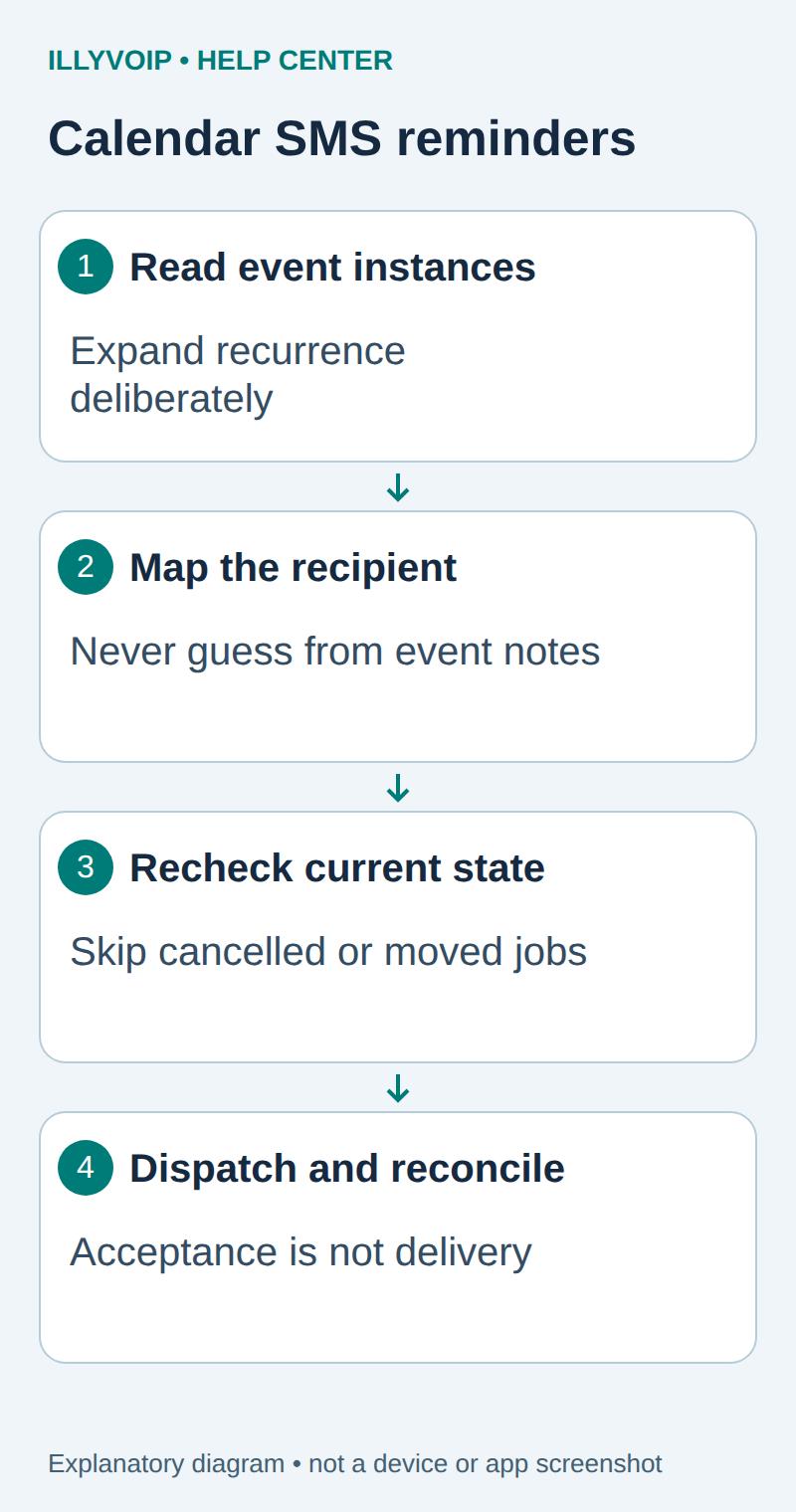
1. Choose the calendar and recipient mapping
The SMS API sends when your worker calls it. Scheduling, business-event checks and suppression belong to your application; this guide does not add undocumented scheduling fields to IllyVoIP.
You need an IllyVoIP account permitted to use the relevant API, sufficient balance for paid operations and an API key. In the Portal, open Account settings → Developer tools and follow its verification prompts. Keep the key in your server’s secret configuration as ILLYVOIP_API_KEY, outside source control and shared documents. Read-only catalog and reporting requests are different from paid speech generation or SMS submission.
Authorize a Google Calendar API client with access to the intended calendar, using the minimum read access your workflow needs. Use a dedicated test calendar first. Store the Google credential separately from your IllyVoIP key.
Maintain an explicit mapping from your appointment/customer record to an authorized international phone number. Calendar attendees generally provide email identities, not a verified SMS destination. Do not extract arbitrary numbers from an event description or send the event’s full private notes as a message.
2. Read actual event instances
Use the Calendar API events.list method for a bounded time window, with singleEvents=true when you want expanded recurring instances. Follow every returned page token. Inspect each event’s status, ID, start and update information. Exclude cancelled events.
Timed events use start.dateTime; all-day events use start.date. Exclude all-day events until you have an explicit local reminder-time policy. Keep the event’s timezone rather than applying one fixed UTC offset to every date.
For recurrence, track the calendar, recurring series identity and original instance start together with the current event revision. A moved instance can have a different actual start while still being the same occurrence. Do not send a second reminder merely because its displayed date changed.
3. Create a reviewed reminder record
| Item | Meaning or action |
|---|---|
| Source identity | Calendar ID, event/instance identity and original start where supplied. |
| Current revision | Updated value and the selected message-relevant fields. |
| Recipient | Explicit authorized customer mapping, not free text from the event. |
| Due time | Resolved UTC instant calculated from the event’s local time policy. |
| Frozen message | Short reviewed text, sender and destination. |
| State | Pending, claimed, uncertain, accepted or cancelled/obsolete. |
Define whether “one day before” means 24 elapsed hours or the previous local calendar day. Daylight-saving changes can make those different. Set a lateness cutoff so an interrupted scheduler does not send “tomorrow” after an appointment has begun.
4. Recheck before dispatch
- Atomically claim the due job.
- Re-read the event and its instance status. If the read fails, defer rather than assuming the old copy is still valid.
- Compare the current start, cancellation state, recipient mapping and approved revision.
- Mark changed jobs obsolete and prepare a reviewed replacement only when still relevant.
- Recheck suppression and the configured sending window, then freeze the request.
Calendar changes after the final read remain possible. Keep enough history to explain that race and handle any correction as a separate deliberate message. Deleting a local job cannot recall an accepted SMS.
Submit through the existing SMS worker
Use the durable outbox from the authenticated website-form SMS guide or your existing equivalent. Store a unique business-event identity, normalized recipient, allowed sender, reviewed text and stable idempotency key before dispatch. The HTTP request uses this shape:
POST https://api.illyvoip.com/api/v1/sms/messages
X-Api-Key: YOUR_SERVER_SIDE_KEY
Idempotency-Key: THE_STORED_KEY_FOR_THIS_MESSAGE
Content-Type: application/json

{"from":"YOUR_ALLOWED_SENDER",
 "to":["AUTHORIZED_INTERNATIONAL_NUMBER"],
 "message":"THE_FROZEN_REVIEWED_TEXT"}
These placeholders are not working credentials or a destination to test. Your application performs the business checks before this immediate request. Use an atomic claim so two workers cannot send the same job. Persist an attempting/uncertain state before network I/O, then save accepted IDs and rejected recipients. Do not treat HTTP success as delivery; follow the status endpoint or a verified delivery webhook.
Preserve the exact input, local job identity and response before moving to the next step. A timeout or lost response is an uncertain outcome, not permission to submit the same paid operation again under a new name. Recover from a saved successful response when possible; otherwise reconcile the original attempt. API duplicate-charge protection does not replace your application’s operation history.
Test before using a real calendar
Use local fixtures for a normal event, cancelled occurrence, moved recurring instance, all-day event, missing recipient, two pages of events, duplicate worker claim and an uncertain SMS response. Confirm that only one eligible job reaches the dispatcher. Then perform one separately authorized real test and inspect delivery.
If reminders stop, distinguish Google authorization/quota failures from scheduler state and IllyVoIP API rejection. Report safe event/job references and timestamps; do not expose access tokens or event descriptions.
Related guides and reference
Google Calendar events; Recurring events. IllyVoIP API reference. Reviewed October 11, 2026. Examples are instructional: local checks do not establish a completed paid request, live third-party integration or production PBX acceptance.