
A vCard address book is not a Portal import file. Convert its records to a reviewable CSV first, decide which telephone number belongs on each IllyVoIP contact, and use the existing CSV preview to confirm the mapping. This guide is for an account owner migrating an address book they are authorized to use.
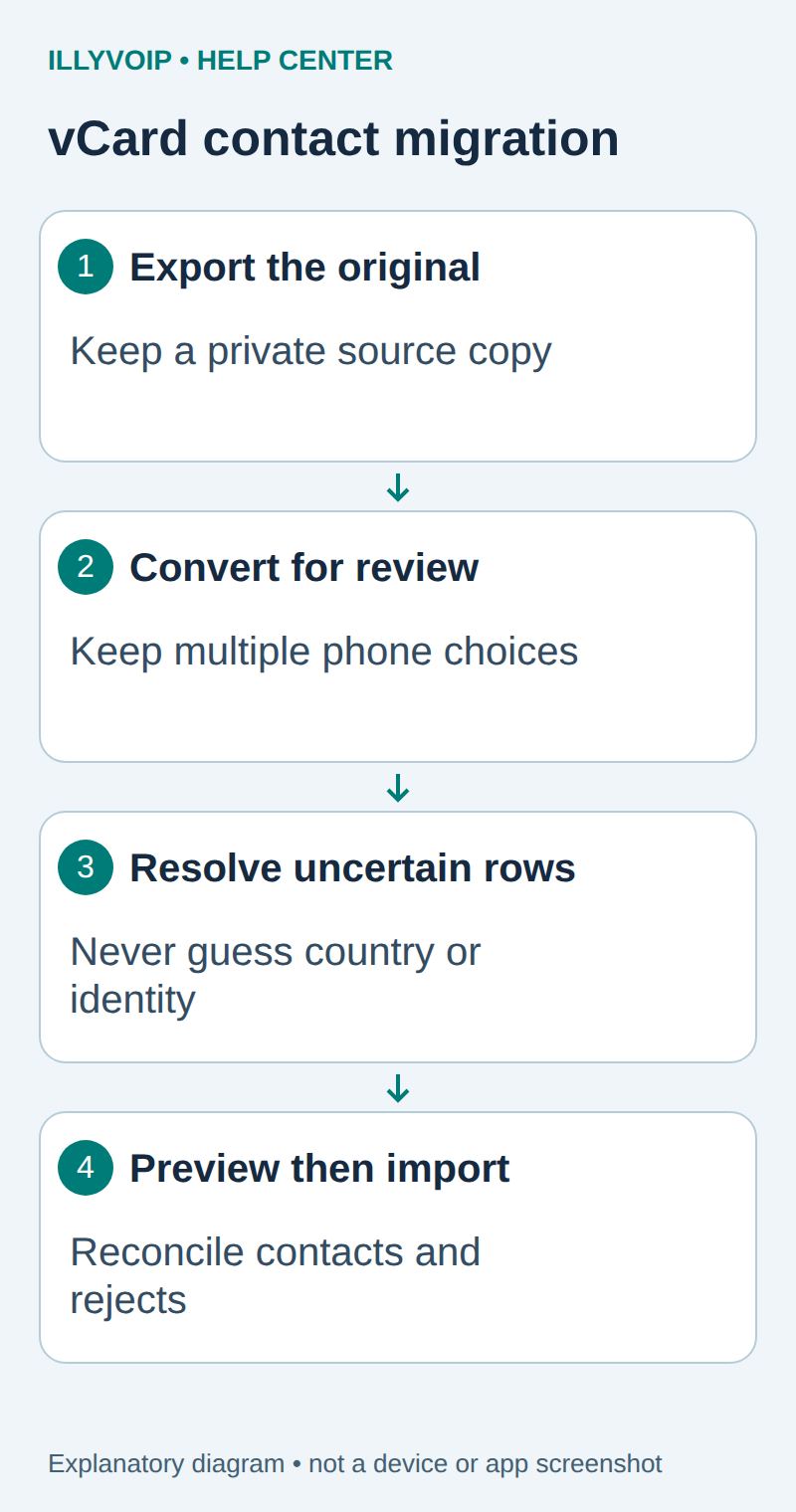
1. Export a private copy of the address book
Export the required contacts from the source application as vCard 3.0. Google Contacts also offers CSV; if that export already contains the fields you need, use the normal CSV-import guide instead of converting it through vCard. Keep the original file unchanged and record its source and export date.
A .vcf file can contain several cards, folded lines, escaped punctuation and multiple telephone numbers. Renaming it .csv or splitting each line at a colon does not reliably convert it. Photos, notes and other private fields should not be copied unless the new workflow needs them.
2. Create a review CSV locally
Use Python 3.11 or later in a private working directory. Install the reviewed vobject parser in a virtual environment; record the installed version with your migration. The example deliberately selects no default country and does not interpret a local number as an international destination.
python3 -m venv .venv
.venv/bin/pip install vobject==0.9.9
Save this as vcf_review.py. It writes one review row for each telephone value, retaining the source-card number so you can spot several choices for the same person.
import csv, re, sys
from pathlib import Path
from urllib.parse import unquote
import vobject

source, destination = map(Path, sys.argv[1:3])
# UTF-8 input; preserve the original if an older export needs conversion.
cards = list(vobject.readComponents(source.read_text(encoding="utf-8-sig")))
rows = []
for index, card in enumerate(cards, 1):
    version = str(card.version.value) if hasattr(card, "version") else ""
    if version != "3.0":
        raise ValueError(f"Card {index}: export as vCard 3.0 first")
    name = card.n.value if hasattr(card, "n") else None
    first = str(name.given or "") if name else ""
    last = str(name.family or "") if name else ""
    if not first and hasattr(card, "fn"):
        first = str(card.fn.value)  # Do not guess how a full name splits.
    email = str(card.email.value) if hasattr(card, "email") else ""
    phones = card.contents.get("tel", [])
    if not phones:
        rows.append([index, first, last, "", "", email, "NO_PHONE"])
    for item in phones:
        raw = str(item.value).strip()
        number = unquote(raw[4:]) if raw.lower().startswith("tel:") else raw
        # Do not guess a country or discard an extension/URI parameter.
        valid = bool(re.fullmatch(r"\+[1-9][0-9]{1,14}", number))
        status = "REVIEW" if valid and first else "CHECK_NAME_OR_PHONE"
        label = ",".join(map(str, item.params.get("TYPE", [])))
        rows.append([index, first, last, number, label, email, status])
# Exclusive creation: a second run cannot silently overwrite review decisions.
with destination.open("x", encoding="utf-8", newline="") as handle:
    writer = csv.writer(handle)
    writer.writerow(["source_card", "firstname", "lastname", "phone",
                     "phone_label", "email", "review_status"])
    writer.writerows(rows)
print(f"Wrote {len(rows)} review rows from {len(cards)} cards")
.venv/bin/python vcf_review.py contacts.vcf contacts-review.csvThis example supports vCard 3.0. If your source is vCard 4.0, use the source application’s vCard 3.0 or CSV export; changing the VERSION line is not a valid format conversion. The converter takes the first email value and the structured given/family names when available; review other email addresses, name prefixes and suffixes in the original if your migration needs them. The output is a review worksheet, not an approved recipient list. The simple plus-number check verifies shape only; it does not establish ownership, reachability or permission to contact someone. A parser failure stops the conversion. Do not discard a failed card silently to obtain a successful-looking total.
3. Resolve ambiguous rows before import
- Open the CSV using an import option that treats telephone values as text. Preserve leading plus signs and all digits.
- For each source card, select the intended work or mobile number. Several rows from one card must not become accidental duplicate people.
- Resolve local numbers using a known country and review extensions separately. Do not remove a semicolon parameter and assume the remaining value is sufficient.
- Check names, especially records with only a formatted full name. The script retains that name rather than guessing its parts.
- Create a separate import CSV with only the approved firstname, lastname, phone and email fields you need. Keep rejected records and decisions in the private review file.
Formula-like text can be interpreted by spreadsheet software. Import text columns deliberately and do not enable external content or formulas from the source. A CSV export also does not preserve contact history, groups or permissions automatically.
4. Preview the mapping in IllyVoIP
Sign in as the account owner and open Contact Center → Contacts → Import CSV. Start with a small representative file. Select the correct delimiter and header-row choice, then review the sample and map the name, phone and email columns. Do not map source_card, phone_label or review_status into an unrelated contact field.
Review existing contacts before importing. A one-time import is not an ongoing synchronization contract, and repeating it is not a reliable update strategy. Confirm only the intended sample, inspect the resulting contacts and any rejection message, then process the remaining reviewed rows using the same mapping.
5. Reconcile the result
Compare source cards, selected contacts, excluded rows and accepted imports. These counts need not be identical, but every difference should have an explanation. Check international numbers and accented names in the saved profiles. Keep the private source and mapping until your retention policy permits disposal.
| Item | Meaning or action |
|---|---|
| Columns appear merged | Check delimiter and quoted fields in the preview. |
| Characters look wrong | Return to the original export and convert its known encoding to UTF-8. |
| Duplicate contacts | Stop repeat imports; review matching records before using the separate duplicate-removal workflow. |
| Import fails | Read the reported file, access or admission error; do not keep submitting the same file blindly. |
Related guides and reference
vCard standard; vobject project. IllyVoIP API reference. Reviewed October 12, 2026. Examples are instructional: local checks do not establish a completed paid request, live third-party integration or production PBX acceptance.