
Use a separate Postman mock to test how your application handles IllyVoIP-shaped responses before connecting it to a real environment. The mock belongs to your development workflow. It does not execute IllyVoIP operations, validate your account or prove that a message can be delivered.
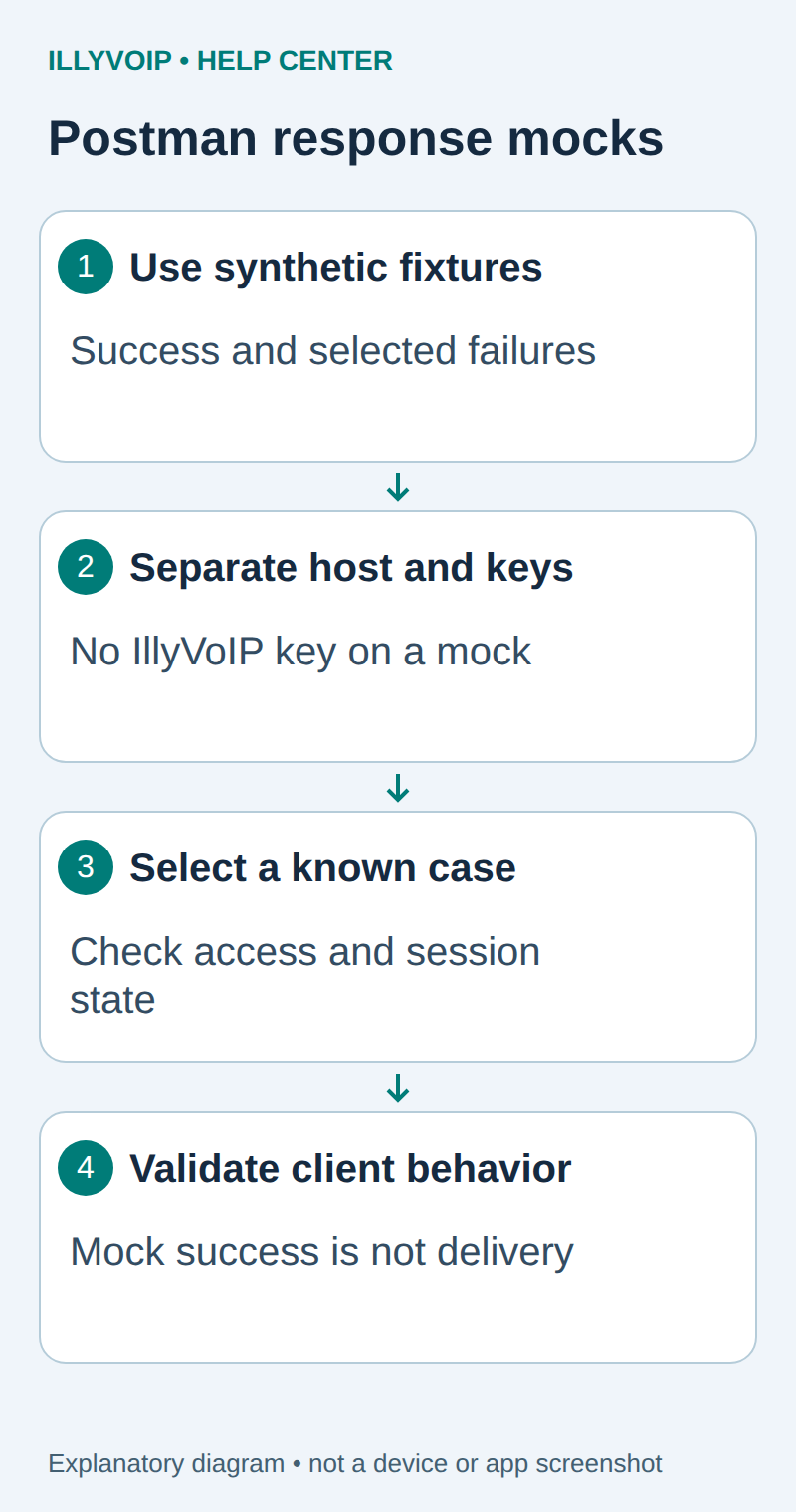
1. Choose the client behavior to test
Start with a read such as GET /api/v1/sip/identities. Build a small collection containing only that route and synthetic examples. Copy the response structure from the current IllyVoIP API reference, not a real customer response.
Useful first cases are an empty successful list, a representative error and malformed JSON. A deliberately malformed fixture tests client resilience; label it clearly so it cannot be mistaken for the documented API contract.
HTTP 200
Content-Type: application/json

{"status":"success","identities":[]}
Add error fixtures using the exact current endpoint schema when your client depends on an error code. Do not invent resource IDs or error fields and describe them as IllyVoIP guarantees.
2. Separate mock credentials and configuration
Create a development-only base URL setting. The client must be able to point to the mock without carrying an IllyVoIP API key. Remove inherited X-Api-Key values and authorization settings from the mock collection and environment.
If deploying a private Postman mock server, use its required Postman credential according to the current documentation. That credential is not the IllyVoIP key. Never forward the IllyVoIP key to a mock domain, even if a fixture expects a similarly named header.
Give mock, Sandbox and Production distinct configuration names and no automatic fallback. Reject a configuration that combines an unfamiliar host with a real IllyVoIP credential.
3. Create and review the mock
- Save the synthetic response as a named example on the collection request, such as identities-empty. Check its method, path, status and Content-Type.
- Create Mock Server → Existing collection and select this small fixture collection.
- Choose Make mock server private, review the optional environment and fixed network delay, then select Deploy.
- Use Copy Mock Server URL from the deployed server details and append the exact request path.
- For the private mock, set x-api-key from your Postman secret reference. This is a Postman credential, never the IllyVoIP key.
Postman’s mock features and labels vary by version and plan. Its documentation warns that new mock servers can be public by default. Do not upload secrets or real account examples even when you intend private access.
Current mock features may also use state or sessions. Check and reset that state deliberately between cases rather than assuming every response mock is stateless. A local mock mode, when available in your version, is another option for the same synthetic tests.
4. Make each test deterministic
For a collection-example mock, set x-mock-response-name: identities-empty on the request to select that uniquely named saved example. Use a different unique name for each case; do not rely on whichever matching example happens to be returned first. Keep a case list with the expected status, body and client outcome. The exact selection controls depend on whether you use collection examples or a code-based mock.
| Item | Meaning or action |
|---|---|
| Empty successful identities | Client shows a valid empty state without inventing a line. |
| Authentication error fixture | Client asks for configuration review rather than looping forever. |
| 429 fixture with Retry-After | Client delays according to its reviewed policy. |
| Malformed response | Client reports an integration error and retains a safe diagnostic. |
| Delayed response, if supported | Client respects its deadline and does not claim completion. |
For a mutation client, test an uncertain outcome without actually sending anything. A mocked timeout does not authorize a real retry policy; use the operation’s actual reconciliation and idempotency rules.
5. Check that the client stayed on the mock
Inspect the request destination, logs and mock history. Confirm no request reached Production and no real credential entered the mock. Use synthetic data in screenshots and remove unnecessary request capture after the test.
Version the fixtures alongside your client. When the IllyVoIP contract changes, review whether your mock still represents it. A green test against a stale or overly permissive mock can hide an integration error.
6. Move to a real environment deliberately
After client behavior is correct, follow the separate Sandbox guide with the actual Sandbox URL and key. The IllyVoIP Sandbox is a service-provided simulation; your Postman mock is a client-owned fixture. Neither replaces a separately authorized Production acceptance check.
Remove or disable the hosted mock when no longer needed, and retire its credential through the appropriate Postman workflow. Do not delete a shared mock without checking who depends on it.
Related guides and reference
Postman mock servers. Postman example-selection headers; IllyVoIP API reference. Reviewed October 12, 2026. Examples are instructional: local checks do not establish a completed paid request, live third-party integration or production PBX acceptance.