
A collection run can check several IllyVoIP read operations in a repeatable order. Build a small collection for that purpose instead of running every request imported from the API specification. The full specification also contains operations that send messages, place calls and change account resources.
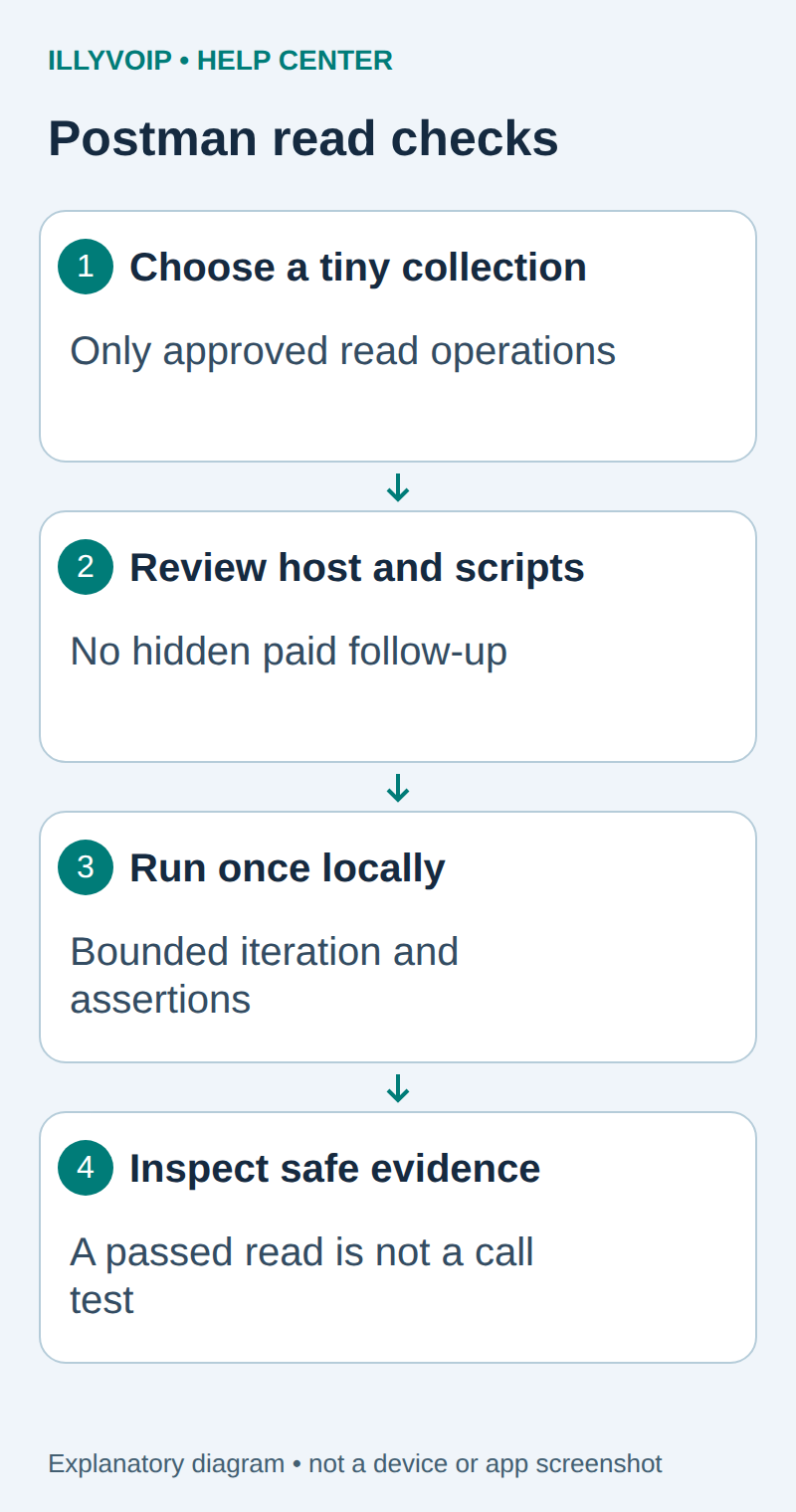
1. Choose a deliberately small scope
You need an IllyVoIP account permitted to use the relevant API, sufficient balance for paid operations and an API key. In the Portal, open Account settings → Developer tools and follow its verification prompts. Keep the key in your server’s secret configuration as ILLYVOIP_API_KEY, outside source control and shared documents. Read-only catalog and reporting requests are different from paid speech generation or SMS submission.
Start with one request: GET /api/v1/sip/identities. It is enough to verify the selected environment, authentication and the documented response shape. Add another read only when its result answers a specific test question and the current API reference confirms its method and access requirements.
Name the collection “IllyVoIP read-only checks”. Keep it separate from the working collection used for purchases, SMS or contact changes. Record the specification date and the intended environment in its description. A GET label alone is not a review of every inherited script.
2. Inspect requests and inherited scripts
- Set the request URL to {{base_url}}/api/v1/sip/identities.
- Choose the exact authorized base URL and corresponding credential.
- Review collection, folder and request pre-request scripts.
- Remove unrelated follow-up requests, pm.sendRequest calls, workflow loops and data-driven URL changes.
- Keep only the expected X-Api-Key authentication reference and no literal secrets in saved examples.
Use Postman Local Vault for a supported local run, following the existing Postman guide. Confirm the installed runner supports your chosen secret mechanism. Local Vault behavior must not be assumed to apply to scheduled cloud runs, shared vaults or a CLI invocation.
Do not silently switch a failed Sandbox check to Production. An environment name is only a label; inspect the resolved hostname before starting.
3. Add focused response assertions
In the request’s post-response script, add checks for the contract being exercised. Avoid printing the returned identities in the console.
pm.test("Read returned HTTP 200", function () {
  pm.response.to.have.status(200);
});
pm.test("Identity response has the expected shape", function () {
  const body = pm.response.json();
  pm.expect(body.status).to.eql("success");
  pm.expect(body.identities).to.be.an("array");
});
An empty identity list can be a valid result. Do not assert that an account has a particular number of SIP lines unless that is part of a controlled fixture. Shape checks establish only this read’s result, not that a phone is registered or a call can complete.
4. Run one bounded iteration
Open the collection and choose Run. In the current Collection Runner, select Functional → Local. Select the intended environment, keep the iteration count at one and inspect the selected request list and execution order.
Do not attach a CSV or JSON data file for the first run. Such a file can override variables and repeat requests. Inspect any later test data as carefully as the collection itself. Start the run only after the resolved host and selected requests are correct.
Watch the result rather than immediately scheduling another run. A failed assertion can mean the environment, credential, service or expected schema is wrong; it is not automatically a reason to retry.
5. Interpret failures and keep useful evidence
| Item | Meaning or action |
|---|---|
| 401 or 403 | Check the environment, key reference and account permissions; do not rotate keys blindly. |
| 429 | Stop repeated runs and follow the actual Retry-After/rate-limit guidance. |
| Network or TLS failure | Investigate the connection separately from response assertions. |
| HTTP 200 but shape failed | Compare the actual current contract and sanitized response with the assertion. |
| A script ran unexpected work | Stop and remove the unintended workflow before any further run. |
Export only sanitized results. Collection exports, environments, saved examples and console logs can contain private data independently. Keep the run time, collection revision, environment and failed assertion; remove API keys and account records before sharing.
6. Extend without changing the purpose
When adding a read, define the expected shape and test it with synthetic success and failure examples first. Keep runs small and use a deliberate interval if your team later configures automation. This guide does not install an unattended monitor or authorize a full-collection Production run.
If you need to test failure handling without contacting IllyVoIP, use the separate mock-response guide. A passed mock test and a passed real read answer different questions.
Related guides and reference
Postman Collection Runner. IllyVoIP API reference. Reviewed October 12, 2026. Examples are instructional: local checks do not establish a completed paid request, live third-party integration or production PBX acceptance.