
Use a focused SIP trace to find where a failed transfer stops: the REFER request, authorization, the new call attempt or the reported result. This guide is for administrators who can inspect an authorized phone/PBX trace. It does not assume IllyVoIP accepts every REFER sent directly to a trunk.
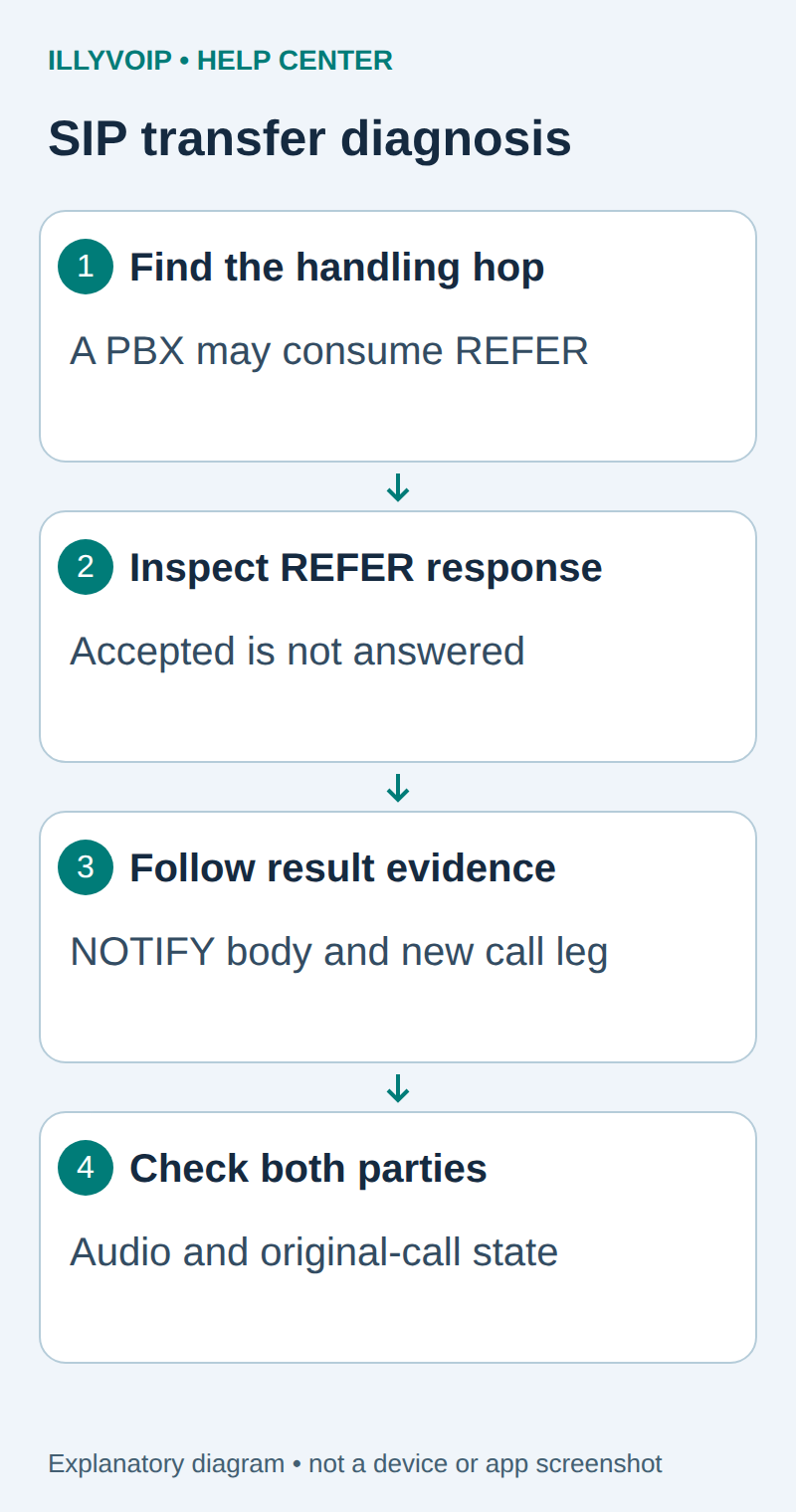
1. Identify who handles the transfer
Write down the actual call path: phone to PBX, PBX to IllyVoIP and any other leg involved. A phone may send REFER to its PBX while the PBX handles the transfer locally and places an ordinary outbound call through IllyVoIP. In that case, a missing provider-side REFER is not evidence of a fault.
Record whether the user attempted a blind or attended transfer, the current call reference, target and time with timezone. Verify the target is authorized and dialable before reproducing a problem. A transfer may create another charged call leg, so test only with permitted numbers after checking rates.
2. Capture one controlled attempt
Use the Wireshark or sngrep guide below to collect traffic at the endpoint that receives the transfer request. Prefer a narrow capture covering one attempt. SIP traces can contain caller identities, private network addresses and authentication information; keep the original private.
For encrypted signaling, a packet capture may show the TLS session without decoded SIP. Use authorized endpoint/PBX diagnostics rather than disabling encryption to make the capture readable. An incomplete capture cannot establish that a message was never sent.
3. Locate REFER and its immediate response
Find the REFER method, then correlate its Call-ID, tags and CSeq within that leg. Inspect Refer-To and, where present, the encoded Replaces information used by an attended transfer. Do not edit or replay those headers into a live call.
The immediate response is the outcome of the REFER transaction. A 202 Accepted response can mean the request was accepted for processing; it does not prove the target answered or that both parties can hear each other. A rejection should be attributed to the actual responding hop before changing IllyVoIP settings.
| Item | Meaning or action |
|---|---|
| Target wrong in Refer-To | Inspect phone/PBX dialing and URI construction. |
| REFER rejected immediately | Check that hop’s transfer policy, dialog state and authorization. |
| REFER accepted | Continue to result notification and any resulting INVITE; do not stop the diagnosis. |
| No REFER on the provider leg | Check whether the PBX consumed it locally. |
4. Follow NOTIFY and the referred call
In the normal REFER subscription flow, look for Event: refer and a message/sipfrag body in NOTIFY. Correlate the subscription and transaction rather than finding an unrelated NOTIFY elsewhere in the capture. A NOTIFY can arrive before the REFER transaction has finished.
The sipfrag status reports progress or a result of the referred request. The SIP response acknowledging delivery of NOTIFY is a separate transaction. For example, an outer 200 OK to NOTIFY does not turn an inner failure status into a successful transfer.
Illustrative sequence only — not a customer capture:
Phone -> PBX: REFER (target supplied in Refer-To)
PBX -> Phone: 202 Accepted
PBX -> Phone: NOTIFY, Event: refer
              Content-Type: message/sipfrag
              SIP/2.0 180 Ringing
Phone -> PBX: 200 OK (acknowledges NOTIFY)
PBX -> Phone: NOTIFY with final sipfrag result
Follow the resulting INVITE on the appropriate leg if the PBX exposes it. Different legs can have different Call-IDs. Use the PBX’s call-leg association rather than assuming one identifier spans the entire transfer.
5. Account for extensions and original-call state
REFER behavior can be changed by supported extensions, including subscription suppression. Review the actual negotiated/header behavior and the current RFC guidance before declaring that every missing NOTIFY is a defect. Do not apply a legacy in-dialog-only assumption universally.
Check what happened to the original call: still connected, held, resumed or ended. An error to the transfer request and termination of the original call are different outcomes. Avoid repeatedly pressing Transfer when the result is uncertain; doing so can create additional target calls.
6. Confirm the repair with end-to-end evidence
Change only the setting justified by the observed failure: target formatting, that PBX’s transfer policy, dialog handling or an identified routing permission. Then repeat one controlled test and verify the intended parties, two-way audio, clean hangup and the original call’s final state.
For Support, provide model/PBX version, time/timezone, public call reference, transfer type, responding hop and a sanitized trace excerpt. Do not label a provider error solely from an unrelated code in the capture. A final signaling result alone still does not prove the receiving person heard the conversation.
Related guides and reference
SIP REFER; REFER extensions and clarification. IllyVoIP API reference. Reviewed October 11, 2026. Examples are instructional: local checks do not establish a completed paid request, live third-party integration or production PBX acceptance.