
Use the Voice API playback action to play a prerecorded prompt on an active call. Host an authorized audio file where the service can retrieve it, submit the call control ID and URL, and coordinate playback completion with the next call action.
This guide is for a backend developer who already controls an answered call. Follow the outbound or incoming-call guide first if you have not established that session. It does not place a call by itself, and a successful playback action does not prove that a person heard or understood the recording.
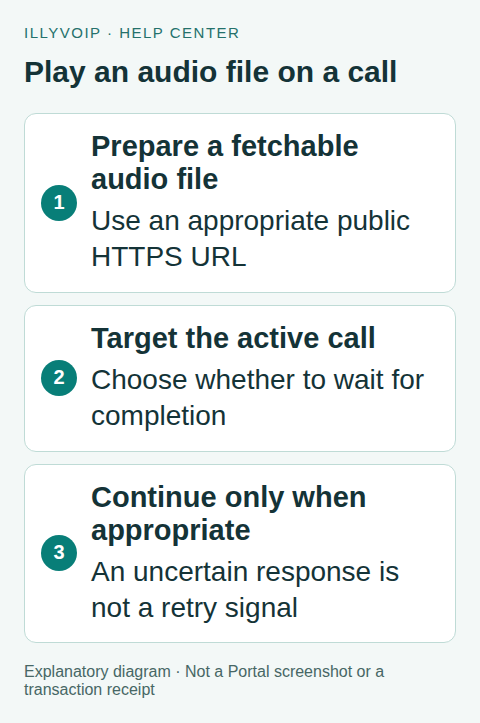
1. Prepare a short, appropriate audio file
Use audio you are authorized to play to the intended recipient. Keep the prompt concise, intelligible and appropriate for telephone audio. A straightforward speech recording in a supported WAV format is easier to inspect than a complex media container; verify the current media requirements rather than relying only on its filename.
The public playback reference limits the file to ten minutes, and processing/download size limits also apply. A file can therefore be rejected even when its duration is short enough. Keep substantial headroom and do not assume that every media format your desktop player opens is accepted.
Inspect the actual file for accidental private speech, long silence, clipping and an abrupt ending. Local playback confirms the file’s content, not how it will sound over a real telephone call.
2. Make the URL retrievable
Provide an HTTPS URL that the service can fetch within its public-media rules. A filename on your computer, a private network address or a webpage that requires your browser login is not a usable audio URL.
Confirm the URL returns the intended audio rather than an HTML sign-in page, preview wrapper or expired share link. If using a time-limited URL, allow enough time for the actual fetch and preparation. Do not embed permanent application credentials in the URL. Treat signed download tokens as sensitive.
The service validates and prepares media under bounded limits. Do not try to work around a rejected internal address or redirect by disguising it. Host the authorized file through the supported public retrieval path.
3. Confirm the active call
Keep the real call_control_id returned for the account’s call. Use the status operation to confirm an active answered session before playing the prompt. A public Call Reports reference or an ended historical call is not a replacement.
Only one workflow owner should decide what happens next. Avoid racing a gather, transfer, hangup and playback action against each other. Store the intended step and call state so a backend restart does not automatically replay the announcement.
4. Submit playback with completion handling
Send POST /api/v1/voice/call-control/playback with X-Api-Key and JSON content type. Replace both placeholders:
{
  "call_control_id": "YOUR_ACTIVE_CALL_CONTROL_ID",
  "audio_url": "https://YOUR_AUDIO_HOST.example/prompt.wav",
  "wait_for_playback_completion": true
}
The current IllyVoIP implementation supports wait_for_playback_completion; the public schema’s basic example lists only the control ID and audio URL. This guide uses the implementation’s explicit completion option to prevent an immediate hangup from cutting off the prompt. Recheck that supported behavior when upgrading an integration.
Without the completion option, the current default can return before the audio finishes. Set the backend HTTP deadline to account for retrieval, preparation and the intended short prompt. Do not treat the ten-minute file limit as a promise that every synchronous request can wait that long.
5. Interpret the result and continue once
Read the HTTP and API result and preserve the call/action outcome in your application. The response can include an opaque media reference scoped to that call. It is not a public download link and should not be copied into unrelated calls or exposed to another account.
After the awaited action succeeds, check whether the call is still active before starting the next step. If the application should finish the call, issue hangup afterward, not concurrently. If you need the caller to acknowledge the message, use a separately designed input/confirmation step; playback success alone is insufficient.
6. Handle interruption and uncertainty
- File cannot be fetched: check its public accessibility, expiry and actual response content.
- Invalid or oversized media: correct the source file within current requirements rather than retrying it unchanged.
- Caller disconnected: stop further call actions and record the terminal result.
- HTTP timeout after submission: mark playback uncertain and inspect the existing call before deciding what to do.
- Repeated application event: consult the stored step state instead of replaying the audio automatically.
Do not assume a caller heard nothing after a lost HTTP response. This action does not give your application a blanket exactly-once playback guarantee simply because you add a familiar idempotency header. Repeating an announcement may confuse the recipient even when it creates no new call.
7. Test in two stages
First use fixtures for a valid action, unavailable URL, invalid media, terminal call, timeout and duplicated workflow event. Verify that hangup waits for the intended completion and that uncertainty is not converted into an automatic replay.
Then make a small authorized live call if you choose to incur the charge. Check actual volume, pronunciation, prompt duration, interruption and the next action on the intended device/network. Local file checks and Sandbox fixtures cannot certify the live listening experience.
Frequently asked questions
Can I use a file on my laptop?
Upload it to an authorized retrievable location first. The remote service cannot read your local path.
Is this the same as TTS?
No. Playback uses a prepared recording; the speak action synthesizes text and has its own usage/result handling.
Related guides and references
- Place an outbound notification call with the Voice API
- Convert text to speech with the IllyVoIP API and save the audio
- Official reference: api.illyvoip.com
Reviewed 8 October 2026 using current IllyVoIP implementation and official references. Check your installed version and account options before applying settings. Examples do not certify a physical device or completed live integration.