
Use IllyVoIP’s Speech-to-Text API to create a written version of a voicemail recording you are allowed to access. This is a separate, deliberate processing step. Enabling an agent’s voicemail or email delivery does not automatically enable transcription.
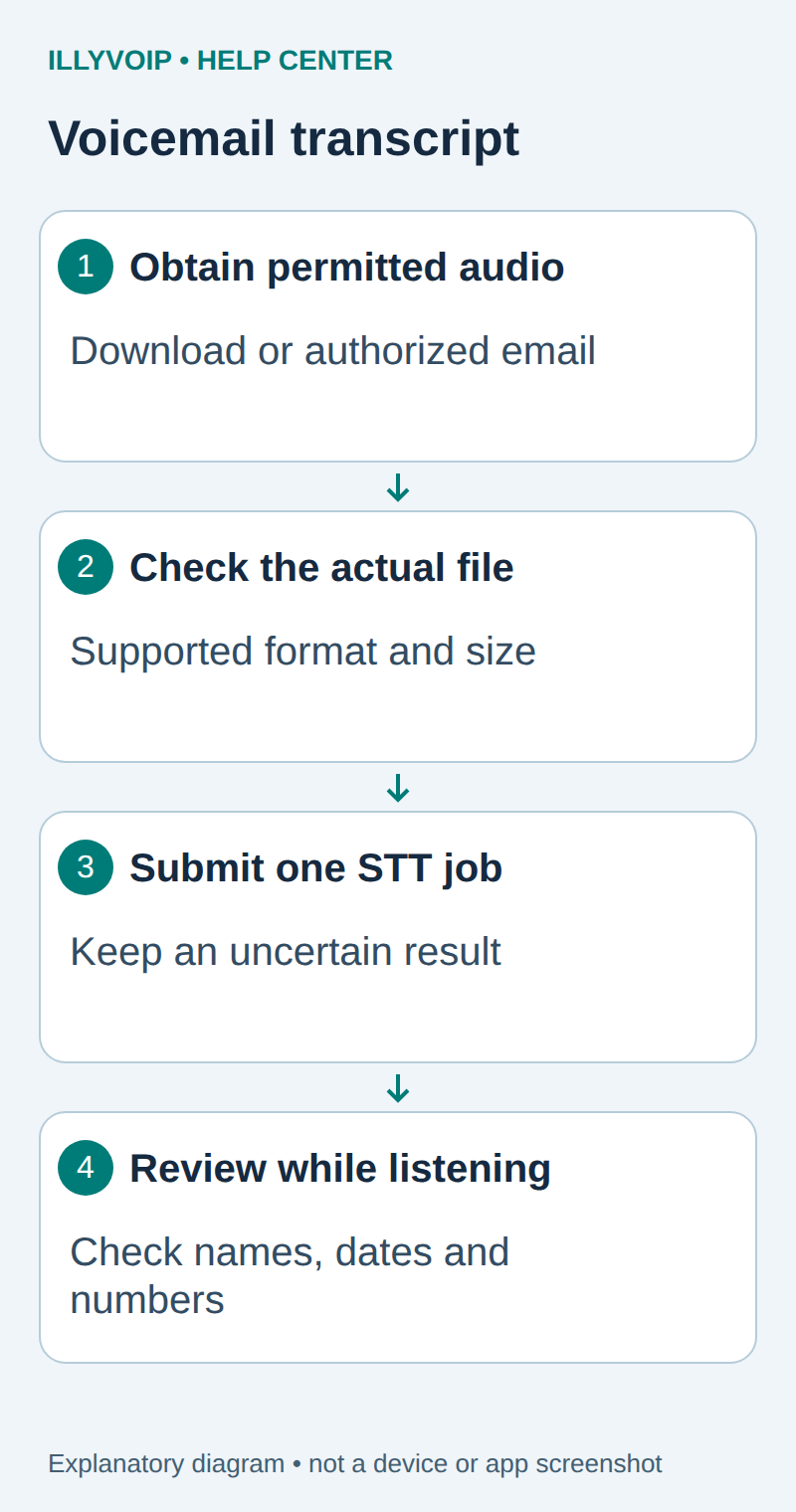
1. Obtain the actual recording
Find the message in the Portal’s voicemail area and confirm the intended mailbox, caller and time. Use an available download control or the authorized voicemail email’s audio attachment. The message must contain an accessible audio recording; a notification email or playback error is not an audio export.
If the account only exposes playback and provides no downloadable recording or audio attachment, ask Support about the supported export path. Do not invent a voicemail API endpoint, scrape another user’s private recording or substitute the Calls API recording reference for a voicemail ID.
For agent setup and delivery, follow the related voicemail guides. Avoid repeatedly changing mailbox settings just to obtain one existing message.
2. Inspect the file privately
You need an IllyVoIP account permitted to use the relevant API, sufficient balance for paid operations and an API key. In the Portal, open Account settings → Developer tools and follow its verification prompts. Keep the key in your server’s secret configuration as ILLYVOIP_API_KEY, outside source control and shared documents. Read-only catalog and reporting requests are different from paid speech generation or SMS submission.
Keep the recording outside shared folders. Check its size, real audio format and duration with your media player or ffprobe. STT accepts supported MP3/WAV uploads; a filename alone does not establish compatibility. Convert another legitimate audio format locally to a supported format and listen to the converted copy before upload.
ffprobe -v error -show_streams -show_format voicemail.wavIf the file contains JSON, HTML or only a few error bytes, return to the download step. If it contains silence, verify the original recording before paying for transcription. Check the current upload limit and rate; transcription is billed per started audio minute.
3. Select the language and create one job
Use the standalone speech_api context. Read the current language catalog, and for synthesis select an exact voice from the corresponding voice catalog. Do not assume that the Voice Agent’s available languages or another provider’s voice names apply to the standalone API.
Read GET /api/v1/stt/languages with context speech_api. Choose an available language hint appropriate to the message, or use the documented default. Do not assume that the caller’s country proves the language spoken.
Create a private local job folder containing the source-file hash, mailbox/message reference, language and intended retention policy. Avoid putting caller names or phone numbers in public filenames. Hashing identifies the input; it does not make its contents anonymous.
4. Submit the supported audio once
Use the complete one-attempt STT client in the related guide. The request is POST /api/v1/stt/transcribe, with X-Api-Key authentication and multipart fields file, optional language, and context=speech_api. Let the HTTP client generate the multipart boundary.
After HTTP/API success, save the returned text, language and duration_ms together with the private source reference. Do not overwrite the source recording with the transcript.
Preserve the exact input, local job identity and response before moving to the next step. A timeout or lost response is an uncertain outcome, not permission to submit the same paid operation again under a new name. Recover from a saved successful response when possible; otherwise reconcile the original attempt. API duplicate-charge protection does not replace your application’s operation history.
5. Review the transcript before acting on it
Listen while reading. Check caller names, telephone numbers, dates, amounts and negation such as “do not cancel.” Mark uncertain words rather than guessing. A transcript is a convenience for the authorized team, not proof that a number, identity or instruction is correct.
The public response does not provide speaker labels, word timestamps or a guaranteed confidence score. Do not fabricate them. If you need to share a summary, remove unnecessary personal information and retain access controls for the original.
Troubleshooting and retention
- Message missing: check mailbox and incoming route using the voicemail guide.
- Email arrived without usable audio: inspect its actual attachment/delivery behavior before attempting STT.
- Upload rejected: check size, real format, available language and account access.
- Transcript inaccurate: compare the original for low volume, noise or unsupported language; repeated submission is not a guaranteed fix.
Apply a deliberate retention policy to both audio and text. Deleting the local transcript does not delete the Portal voicemail; changing mailbox delivery does not erase earlier copies.
Related guides and reference
IllyVoIP API reference. Reviewed October 11, 2026. Examples are instructional: local checks do not establish a completed paid request, live third-party integration or production PBX acceptance.