
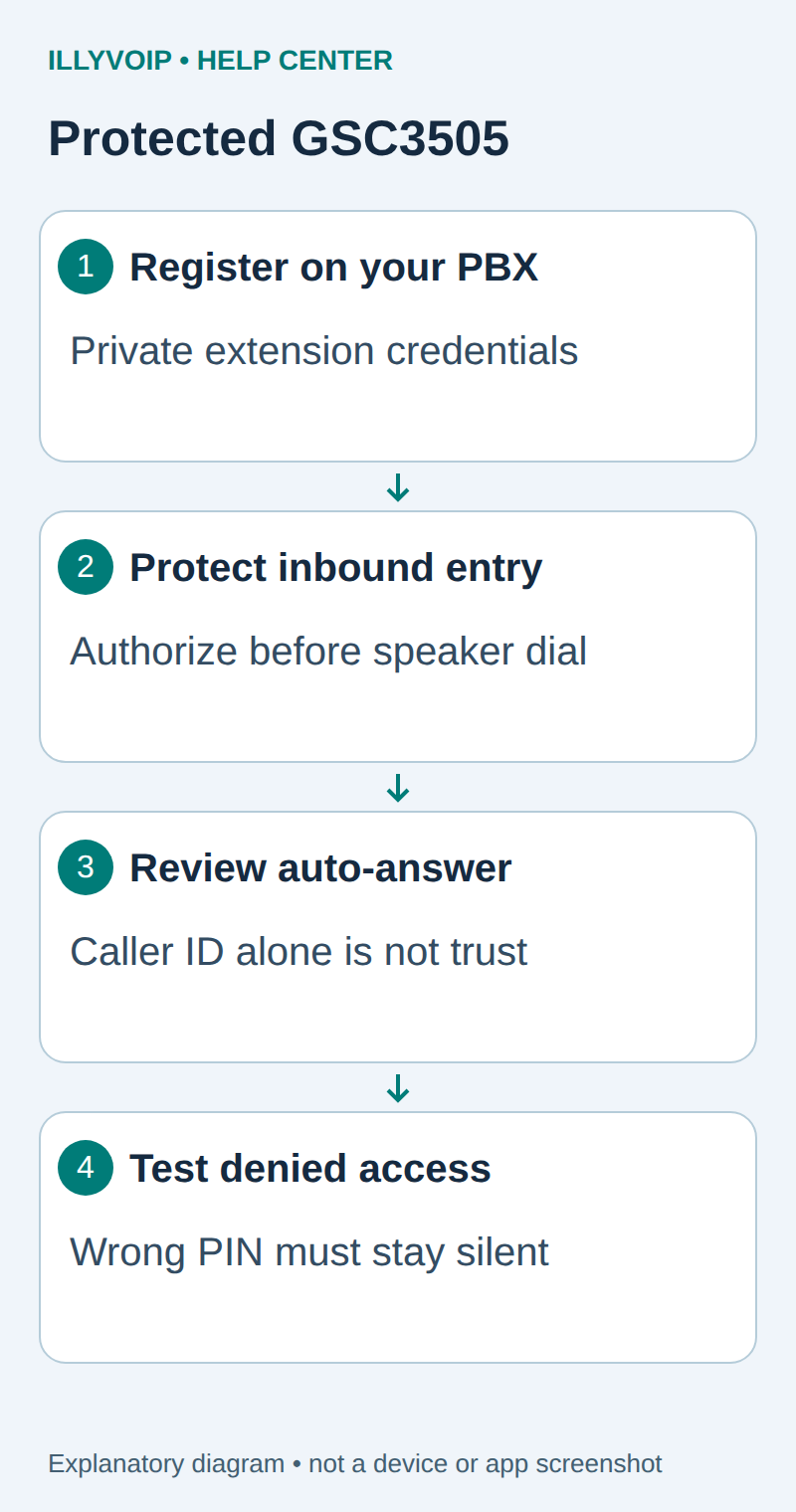
Use the Grandstream GSC3505 as a private PBX paging endpoint. The PBX connects to IllyVoIP for external calling and decides who may reach the speaker. Do not register an openly reachable auto-answer speaker directly on a public incoming-number route.
1. Plan the call path before connecting the speaker
The intended path is authorized caller → IllyVoIP number/trunk → protected PBX entry → private speaker extension. Have the PBX administrator provide the extension identity, authentication password, registrar and supported transport. These are PBX extension credentials, not the IllyVoIP trunk password.
Record the existing inbound route and keep a rollback. Choose a short maximum page duration, the allowed callers, and who can test the speaker. Keep its management interface and SIP service on a controlled network.
2. Connect and identify the GSC3505
Power and connect the speaker according to the installation guide, locate its assigned local address and sign in through the trusted management network. The GSC3505 is a speaker endpoint; do not apply microphone/two-way-intercom assumptions from the GSC3510. Back up the current account and call-filter settings privately.
3. Register the private paging account
Open Account and enter the PBX values below. Save/apply and check the registration state in the account status view.
| Setting | Value or action |
|---|---|
| Account Active | Enable the selected unused account. |
| Account Name | A local label for the paging extension. |
| SIP Server | PBX registrar hostname and required port. |
| SIP User ID | Private PBX extension identity. |
| SIP Authentication ID | Authentication username supplied by the PBX. |
| SIP Authentication Password | The extension password. |
Match the transport and media policy to the line. UDP, TCP and TLS describe signaling; standard RTP, SDES-SRTP and DTLS-SRTP describe different media modes. Selecting a TLS port does not enable TLS automatically or encrypt audio. Use the supplied hostname for certificate verification and keep device time and certificate trust correct. Do not disable a firewall or expose the administration interface to the Internet.
4. Protect entry before enabling an audible page
- Create a dedicated inbound destination on the PBX. Do not send the IllyVoIP inbound route straight to the speaker extension.
- Require an authenticated, authorized internal caller or an interactive PIN check before the PBX dials the speaker. Caller-ID matching alone is not authentication. Keep any PIN outside article examples and use a private value.
- On a missing, wrong or timed-out PIN, end the call without dialing the speaker. Limit retries and use the PBX’s supported failed-attempt controls.
- Dial only the fixed private speaker extension after successful authorization. Set a short maximum page duration, such as 60 seconds, using the PBX’s supported call-duration control.
- Restrict network access to the approved PBX and management hosts. Review alternate entry points, including direct SIP/IP calls and multicast; disable unused paths using documented controls.
Apply these rules using the installed PBX’s documented IVR/routing features. Menu names and enforcement differ between PBXs. If you cannot verify that authentication happens before the speaker is dialed, keep the public route disconnected.
5. Review the GSC call filters
The manual documents Calls → Black/White/Grey List Settings → Greylist and caller filtering. Whitelisted caller IDs can be auto-answered. Treat these lists as an additional filter, not proof that the caller is trusted.
Review Check SIP User ID for Incoming INVITE and Authenticate Incoming INVITE with the PBX administrator. Incoming INVITE authentication can issue a challenge; enabling it without matching PBX support can stop legitimate pages. Confirm the network restriction and PBX gate remain effective even if a caller spoofs a familiar display name or caller ID.
6. Test allowed and rejected calls
- With the public route still isolated, verify the private PBX account registers and one authorized internal test produces clear audio.
- Test the protected entry with a wrong PIN, no input and an unauthorized caller. The speaker must remain silent and must not show an answered page.
- Test the correct authorization and speak briefly. Verify volume, intelligibility and the fixed destination.
- Hang up; check the speaker returns to idle. Separately verify the configured duration limit ends a page.
- Only after these checks, route the intended IllyVoIP number to the protected entry and repeat the tests. External calls may incur charges.
Do not send an abuse test from an uncontrolled public host. Have the network administrator verify blocked access within the authorized test scope.
Troubleshooting and rollback
If registration fails, inspect PBX credentials and transport. If an authorized call is rejected, trace the PBX gate first, then the speaker’s account and caller filters. If an unauthorized call produces audio, disconnect the inbound paging route immediately and repair the bypass before retesting. For an answered but silent page, check the Page versus Ring destination, volume, codec and media path.
Restore the recorded PBX route and changed device settings if acceptance fails. This is ordinary paging guidance, not a certified fire, evacuation or emergency-announcement system. IllyVoIP supplies the calling connection; your PBX and site controls enforce paging access.
Documentation and scope
Grandstream GSC3505 user guide. Reviewed October 11, 2026. Manufacturer instructions and current IllyVoIP settings inform this guide; physical-device and live-provider acceptance must be completed on your installation.