
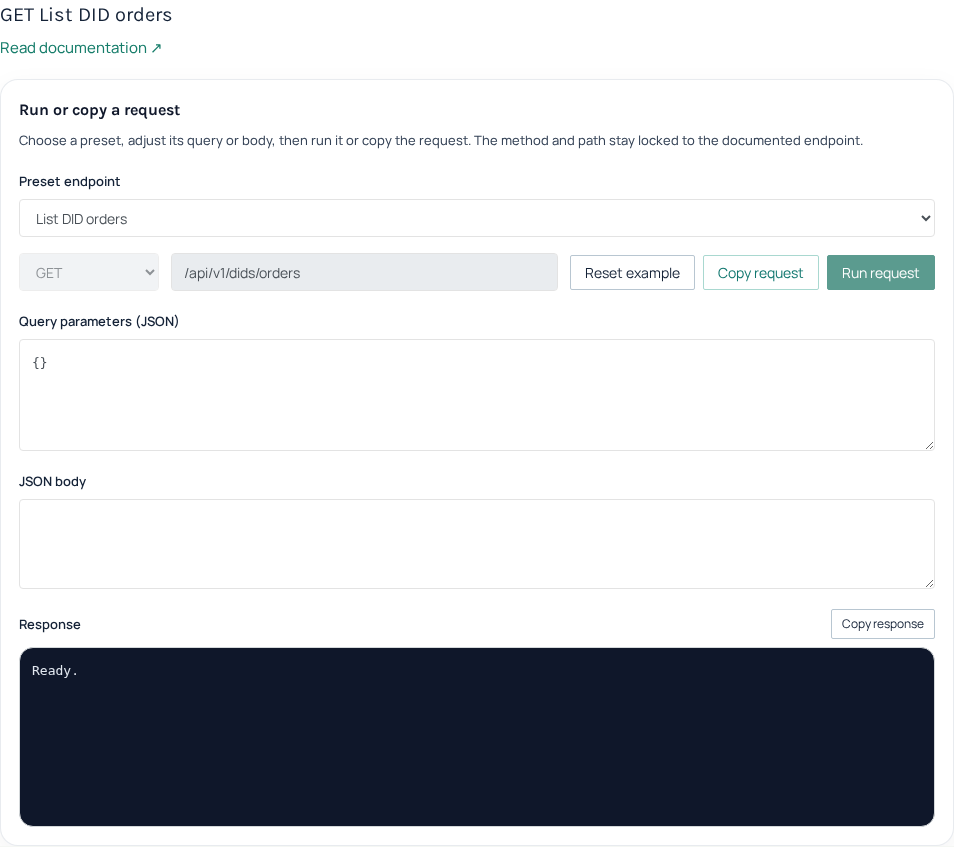
Use GET /api/v1/dids/orders to review your IllyVoIP number orders and build a read-only inventory. The response groups orders by state and includes fee and regulation information. It does not buy a number, cancel a subscription or change an incoming destination.
1. Fetch the owned order inventory
Keep the API key on your server and grant viewers access only to their permitted account data. Use the current API key managed in the Portal’s Developer tools. The endpoint does not document page or date-filter parameters; do not copy pagination controls from another API into this request.
curl --fail-with-body \
  -H "X-Api-Key: $ILLYVOIP_API_KEY" \
  "https://api.illyvoip.com/api/v1/dids/orders"
Require a successful HTTP result and a valid response before replacing the previous inventory. A timeout or error is an unavailable snapshot, not evidence that all numbers have disappeared.
2. Read every order bucket
- Read the arrays under
orders.active,orders.pending,orders.cancelledandorders.rejected. - Use
order_idas the order reference in your own records. The response also retainsidas a compatibility alias; do not create a second record for it. - Keep the human-readable
order_labelseparately. Several entries can relate to an order grouping, so do not use a label as a substitute for each row’s order ID. - Read the row’s
status.codeand the number. A number can still be shown as to be issued; do not invent digits for a pending allocation.
3. Build a renewal view from the fee fields
fees.monthlyis the returned recurring fee for that order.fees.per_minuteandfees.connection_feedescribe other returned fee components; they are not renewal dates.fees.renewal_dateis a date or null. Keep a missing date as unknown rather than replacing it with today or assuming the subscription never renews.created_atidentifies order creation; it is not interchangeable with renewal.
The response’s totals.active counts active orders. totals.monthly_active is an aggregate recurring amount, not a count of monthly subscriptions and not a paid-invoice total. Preserve decimal precision when handling monetary values. Reconcile billing through the actual invoice or ledger records when you need proof of a charge.
4. Separate regulatory action from overall order state
Read regulation.status, requires_action, rejected and can_resubmit alongside the required document, address and identity indicators. A pending order may need action or may be awaiting review. The status alone does not authorize your application to upload documents automatically.
Show the returned customer-facing message to the appropriate account user and link them to the existing order workflow. Use the dedicated correction guide if a resubmission is needed. Do not create another purchase because the original is awaiting verification.
5. Refresh without creating false alarms
- Record the time of each successful inventory refresh.
- Replace the view only with a validated successful snapshot, including empty arrays when they are genuinely returned.
- On failure, retain the last snapshot with a clear stale-state label. Do not send renewal or deletion alerts from an error response.
- Before acting on a near renewal date, refresh and review the current order and account terms. A local reminder is not a cancellation instruction.
Use local fixtures for all four buckets, null dates, fractional fees and a failed refresh before deploying a report. Keep telephone numbers and regulatory details out of public logs. An active order also needs the intended incoming route; this inventory is not a live test that the receiving phone rings.
Related guides
- Find, quote and order a phone number by API
- Submit and correct phone-number order documents through the API
- Cancel a phone-number order or stop renewal through the IllyVoIP API
Reviewed 12 October 2026 against the current IllyVoIP controls, implementation and applicable references. Available options depend on account permissions and service state.