
When a call connects but audio fails, compare the RTP packets with the codec mapping negotiated in SDP for that specific media leg. A dynamic payload number does not identify one universal codec. This guide helps a PBX or network administrator collect evidence before changing codec settings.
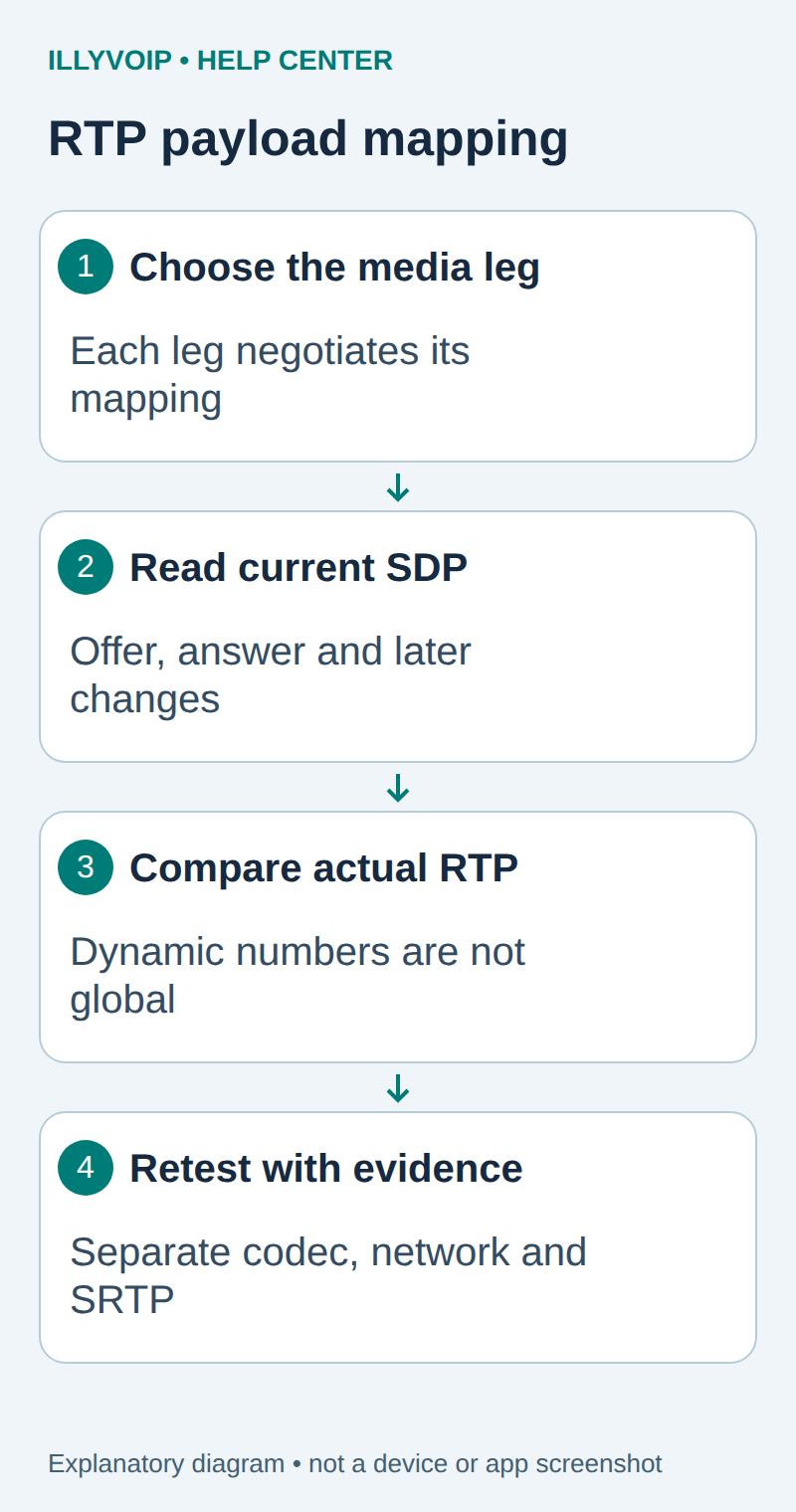
1. Establish the affected direction and leg
Record who cannot hear whom, when the problem starts and whether hold or transfer changes it. Draw the relevant media path: phone to PBX and PBX to IllyVoIP may negotiate different codecs or payload numbers. A transcoding PBX can legitimately use different mappings on its two sides.
Capture only an authorized test. Preserve the time/timezone and public call reference. If ordinary microphone, mute or headset checks explain the problem, resolve those first rather than inferring a network codec fault.
2. Read the complete offer and answer
Locate the SDP in the relevant INVITE/response exchange. Read the m=audio line, transport profile, offered/accepted payload numbers, a=rtpmap, a=fmtp and direction attributes. Follow later re-INVITE or UPDATE negotiations if the audio changed after connection.
Use the final applicable negotiated mapping, not merely the first offer. An offer can list formats the answer does not accept. Also inspect media address/port and security; a correct codec mapping does not make an unreachable RTP destination work.
Illustrative SDP fragment — not a complete call configuration:
m=audio 40000 RTP/AVP 0 8 101
a=rtpmap:0 PCMU/8000
a=rtpmap:8 PCMA/8000
a=rtpmap:101 telephone-event/8000
a=fmtp:101 0-16
In this example, 101 means telephone-event because that session maps it that way. Another negotiated session can use a different dynamic number. Do not configure a global “101 always means DTMF” rule based on this illustration.
3. Compare actual packets with that mapping
In Wireshark, identify the intended UDP flow and RTP stream, then inspect the payload-type field. If automatic decoding did not identify the stream, use Decode As only after verifying the addresses, ports and packet structure. Forcing arbitrary UDP to display as RTP is not proof it is valid media.
Compare payload type, SSRC, packet direction and sequence with the selected SDP leg. Static RTP/AVP mappings include familiar formats such as PCMU and PCMA, while dynamic mappings require session context. Do not mix two calls that happen to reuse the same UDP ports.
| Item | Meaning or action |
|---|---|
| Payload absent from the negotiated map | Collect the offer/answer and packet evidence; investigate the sender or intervening PBX. |
| Different number on the opposite PBX leg | Can be valid if each leg negotiated its own mapping. |
| telephone-event packets | Represent keypad events, not the speech stream. |
| Comfort-noise or silence behavior | Do not mistake every quiet interval for total packet loss. |
| Mapping correct but sound absent | Continue with media reachability, encryption and device checks. |
4. Keep RTP and SRTP analysis distinct
For encrypted media, packet headers may still support some stream analysis, but the protected payload cannot be decoded into speech without the appropriate authorized decryption material. Do not claim that a failed player decode proves the codec is wrong.
Match the account’s actual media mode: standard RTP, SDES-SRTP and DTLS-SRTP are different configurations. Do not disable encryption to force an audio player to work. Keep keys and any decrypted audio out of public support attachments.
5. Check a specific mismatch before changing settings
For a suspected codec mismatch, compare both endpoints’ supported formats and the actual offer/answer. If the PBX transcodes, inspect each leg independently and verify the necessary codec module is available. Do not enable every codec or force a dynamic number globally as a trial-and-error fix.
If the issue is keypad detection, follow the dedicated DTMF guide and inspect telephone-event negotiation and event delivery. If it is packet loss or jitter, use the audio-quality guide; payload mapping and packet timing answer different questions.
6. Retest and prepare a focused report
After a justified change, make one authorized call and check speech in both directions, hold/resume if relevant and clean hangup. Save the current offer/answer, affected leg, observed payload type and a minimal packet excerpt. Document which setting changed and how to restore it.
For Support, include device/PBX version, time/timezone and the public call reference. Share the original PCAP privately only when requested. A correct RTP payload map narrows the diagnosis; it is not, by itself, proof of successful audio playback.
Related guides and reference
RTP payload mappings; SDP specification. IllyVoIP API reference. Reviewed October 11, 2026. Examples are instructional: local checks do not establish a completed paid request, live third-party integration or production PBX acceptance.