
When a PBX call presents an unexpected caller ID, compare the account’s authorized caller-ID mode with the identity requested on the relevant SIP leg. P-Asserted-Identity, usually shortened to PAI, is part of SIP identity signaling; adding that header does not grant permission to present an arbitrary number.
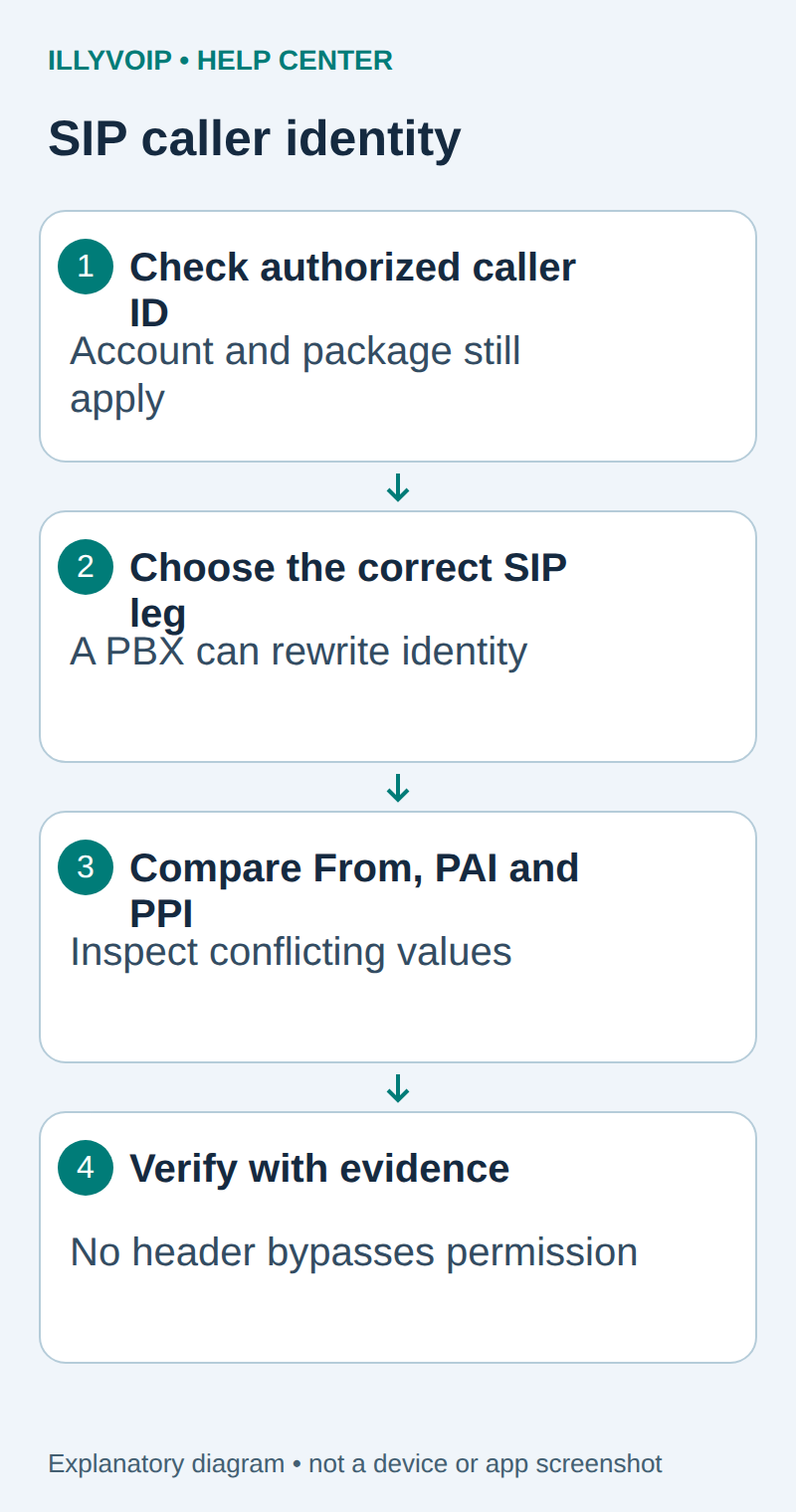
1. Establish the expected authorized number
Open the intended IllyVoIP SIP line and review its caller-ID mode. An owned number, verified number, pool selection, custom value and dynamic identity have different meanings. Follow the caller-ID guide to establish which number the account and selected package permit.
Write down the expected international number privately and identify the PBX extension and trunk involved. The SIP username authenticates a line; it is not automatically the number the called party should see. A display name also does not prove number authorization.
2. Capture the correct call leg
Use the SIP-trace guide to collect one authorized example with its timestamp and call reference. Distinguish the phone-to-PBX leg from the PBX-to-provider leg. A PBX can rewrite or remove identity fields, so a header on the first leg does not prove the same header left the trunk.
Use sanitized copies for documentation or Support. SIP traces can contain phone numbers, authentication material and private network addresses. Keep the original in restricted storage and share only the necessary parts.
3. Compare identity fields, not just one line
| Item | Meaning or action |
|---|---|
| From URI | Identifies the request’s originating identity; inspect the URI user separately from the display name. |
| P-Asserted-Identity | Carries an asserted identity within a trust context; it is not self-authorizing. |
| P-Preferred-Identity | Expresses a preferred identity for a trusted network to consider. |
| Privacy | Can affect presentation; do not remove it just to force a number to display. |
| Authentication identity | Identifies the authorized SIP connection and is distinct from the presented caller number. |
For illustration only, a header might contain P-Asserted-Identity: <sip:+442079460001@example.invalid>. This is a synthetic example, not a number or domain to configure. The display name outside the URI is not a substitute for the URI’s telephone identity.
4. Look for ambiguity and unintended rewriting
- Compare the requested identity with the caller-ID mode and allowed number.
- Check whether the PBX sent several PAI or PPI values.
- Check whether those values disagree or contain an authentication username instead of a telephone number.
- Inspect number formatting without silently stripping meaningful digits.
- Check the PBX’s outbound trunk settings and any intermediate SBC rewriting.
- Record the provider-facing response and eventual displayed number separately.
Current IllyVoIP source includes dynamic-identity validation after authentication and applies caller-ID policy. Conflicting or malformed identity information can be rejected. Do not rely on a universal rule that “PAI always wins”, or assume one repository check proves every deployed path behaves identically.
5. Correct the responsible configuration
If the wrong identity originates on the PBX, correct the specific authorized trunk or extension setting. Preserve a rollback copy and avoid broad changes that trust every inbound identity header. A setting such as send_pai on a PBX controls signaling; it does not override IllyVoIP ownership, verification or package policy.
If a fixed caller-ID mode is intended, first make that mode and eligible number consistent with the integration. If dynamic presentation is intended, confirm the actual connection supports the approved behavior and send an unambiguous authorized identity. Do not switch packages merely to bypass a rejection.
6. Verify presentation and document remaining differences
When authorized, repeat one controlled call and compare the caller-ID request, call report and receiving phone display. The receiving network or handset can format, suppress or label a number differently. Successful SIP signaling does not guarantee identical presentation everywhere.
For Support, provide the public call reference, UTC time, expected authorized number, selected mode and a sanitized excerpt from the correct SIP leg. Explain whether the problem is rejection, unexpected rewriting or final display. Keep account credentials and internal infrastructure details out of the article and support attachment.
Related guides and reference
RFC 3325 identity semantics. IllyVoIP API reference. Reviewed October 12, 2026. Examples are instructional: local checks do not establish a completed paid request, live third-party integration or production PBX acceptance.