
A SIP response of 406 Not Acceptable means the responding system could not produce response content acceptable to the request’s Accept header under the standard SIP definition. It does not automatically mean the phone password is wrong, the destination is invalid or an audio codec is unsupported.
This guide helps you investigate a 406 observed on a phone, PBX or SIP application used with IllyVoIP. It does not claim that your call failed for a known IllyVoIP service issue. First establish that the actual response is SIP 406, identify the request and determine which system returned it.
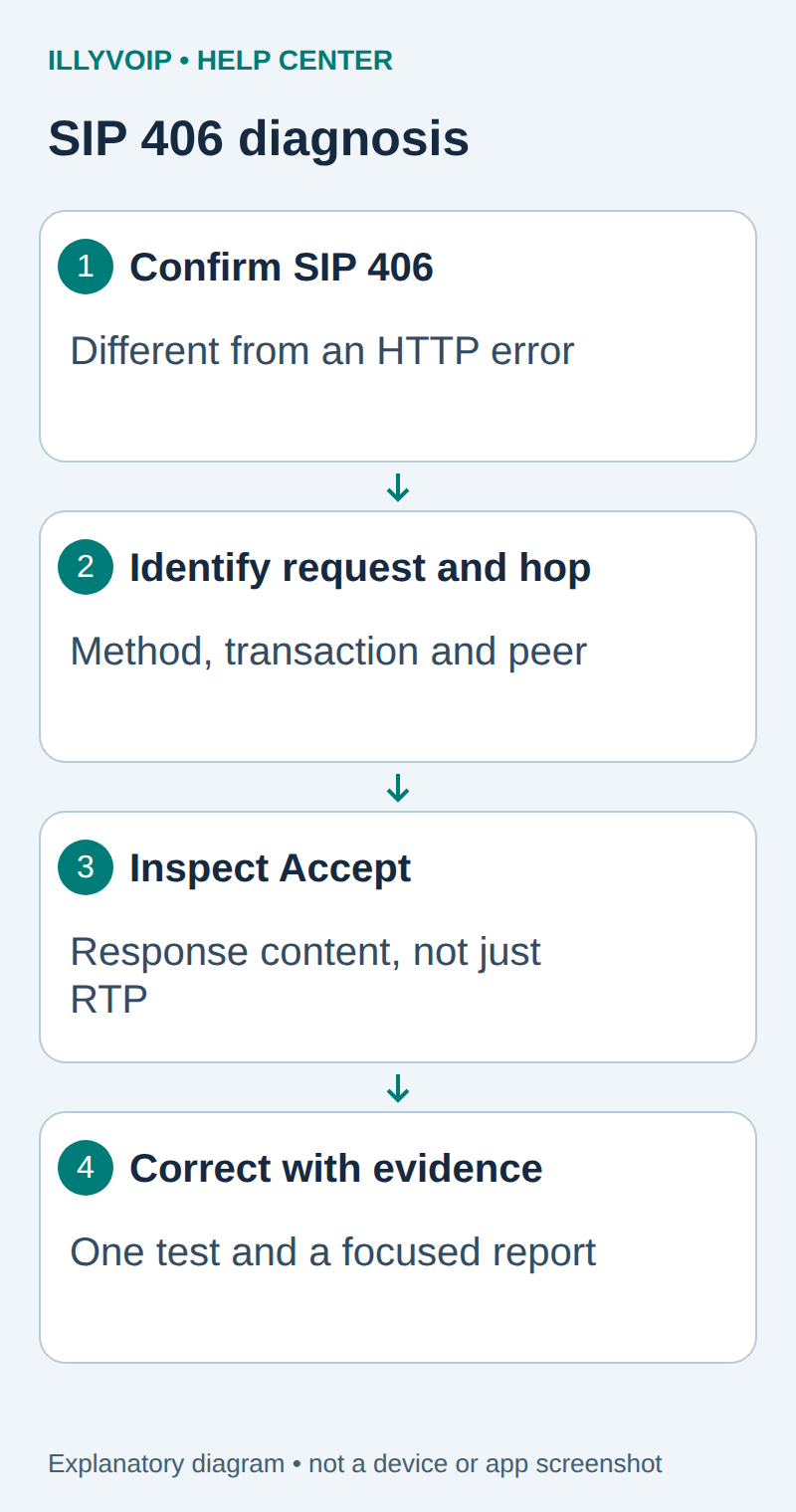
1. Confirm the protocol, time and failing action
- Record what you were doing: registering an account, placing an outgoing call, receiving a call or using a diagnostic tool.
- Record the timestamp with timezone, client/PBX version and the account or line involved. Keep credentials out of the note.
- Check the actual response line.
SIP/2.0 406 Not Acceptableis a SIP response. An HTTP 406 displayed by a website, reverse proxy or API client belongs to a different investigation. - Check the last successful comparison: another destination, another account or a previous working client configuration. Preserve it before changing settings.
A phone’s summary message can hide the response code or use a broad label. If you only have “not acceptable,” obtain the precise signaling response before changing a codec or authentication field. A dashboard record alone may not identify the system that originated the rejection.
2. Capture one controlled reproduction
Use the existing Wireshark, sngrep or Asterisk logging guide appropriate to your environment. Capture only the authorized test interval and the relevant interface. A test call can be chargeable if it succeeds; choose a destination you control and check the rate first. Do not run a repetitive call loop to obtain a trace.
For a plaintext SIP capture in Wireshark, begin with this display filter:
sip.Status-Code == 406Then follow the matching request and dialog. A display filter does not limit what was collected into the original capture. Treat the full file as sensitive: it may include account identities, authentication material, numbers and unencrypted audio. Send it only through the agreed private support channel.
With TLS, a packet capture normally shows the encrypted connection rather than readable SIP headers. Prefer an authorized client/PBX signaling log at the endpoint. Do not switch a production account to plaintext or distribute TLS key material merely to make a screenshot easier.
3. Match the response to its request
| Evidence | What it establishes |
|---|---|
| Call-ID, CSeq number and method | Which request the response belongs to; distinguish REGISTER, OPTIONS and INVITE. |
| Via branch and capture direction | The observed transaction and direction at this capture point. |
| Request URI and target hostname | What resource the application asked that system to handle. |
| Accept header and response body, if present | The requested response-content types and any diagnostic context. |
| Immediate source address | The network peer that delivered the response, which may be a forwarding proxy rather than its original author. |
On a PBX, the phone-to-PBX dialog and PBX-to-IllyVoIP dialog can have different Call-IDs. Use the PBX’s own correlation records to connect them. Do not assume a matching time alone proves that a response on one call leg caused the failure on another.
A Server header or reason phrase is useful context, but does not authenticate the origin of an error. If your own PBX returns 406 before sending anything upstream, investigate its local application path first. If it forwards a remote response, collect the adjacent leg before attributing the error to a carrier or IllyVoIP.
4. Inspect response-content negotiation
The SIP Accept header describes types of message bodies a client is prepared to receive. It is different from Content-Type, which describes the body actually carried in a message, and from the RTP codec list inside SDP.
Check whether a custom application, proxy rule or recent client change supplies an unusually narrow Accept value. Compare it with the installed software’s documented defaults and a known-good request for the same operation. If Accept is absent, report that fact instead of inserting a guessed value. Standard behavior and vendor-specific rejection policies are not always identical.
For example, an application that asks only for a proprietary response body may encounter a system that cannot provide it. That is a diagnostic possibility, not proof that every observed 406 has that cause. Do not paste Accept: */* into a production template as a universal fix; first understand the body types your application actually handles.
5. Keep 406, 415 and 488 separate
| Response | Useful first investigation |
|---|---|
| 406 Not Acceptable | Response-content characteristics and the request’s Accept header; verify the responding implementation’s actual reason. |
| 415 Unsupported Media Type | The format or encoding of the request body and any advertised acceptable types. |
| 488 Not Acceptable Here | The offered session parameters at this resource, such as SDP/media compatibility; use the dedicated 488 guide. |
Similarly, an initial 401 or 407 challenge is part of SIP authentication and is not the same problem as 406. Re-entering passwords or rotating a SIP secret without evidence can disrupt other devices using that line while leaving the original failure unchanged.
6. Make one bounded correction
- Save the current working configuration or the specific custom header rule before editing.
- If evidence identifies your custom request as the cause, correct only that header/application behavior using the vendor’s supported configuration method.
- If no local cause is established, leave the working setup intact and send the focused evidence to Support rather than changing several unrelated settings.
- Repeat one controlled test of the original failing action and compare the new request/response sequence.
- For an actual call, verify two-way audio and the intended call outcome; registration or a successful OPTIONS response is not a completed call test.
Retain a rollback for the exact change. If the test fails differently, record both results. Avoid combining a transport change, password replacement and codec change in one attempt because you lose the ability to explain which change mattered.
7. Prepare a useful support report
Provide the action, timestamp/timezone, client/PBX version, private call reference, exact response line, failing request method, where you captured it and what changed recently. State whether other destinations or accounts work. Include a minimal redacted excerpt or the authorized private trace, not the complete phone configuration.
If you cannot observe the other side of a proxy or encrypted connection, say so. “The peer forwarded SIP406” is more accurate than claiming you identified the originating system. Support can correlate the account and call information with service-side evidence.
Common questions
Should I enable every codec? Not from 406 alone. Establish the request and response-content issue first; follow the 488 or audio guide when the evidence points to SDP or RTP.
Does 406 mean my number is blocked? The standard code alone does not establish that. Restrictions and service-side policy require separate evidence.
Can I keep retrying? Repeating the same request does not explain a negotiation failure. Stop after the controlled reproduction and investigate the recorded transaction.
Related IllyVoIP guides
- SIP response codes
- Investigate SIP 488 on an IllyVoIP phone or Asterisk trunk
- Capture a SIP call trace for IllyVoIP Support with Wireshark
- Capture and inspect an IllyVoIP SIP call with sngrep
- Collect focused Asterisk logs for an IllyVoIP support case
Sources and verification
Reviewed 11 October 2026 against current IllyVoIP documentation and the linked primary sources. Use the options available in your own account. Documentation and local checks do not establish a delivered SMS, a completed live call or a certified third-party integration.